Hello, ArtonLabs colleagues. When we open our phones, watch videos through streaming services, or send money through banking apps, it is almost certain that a Linux system is working behind the scenes without us ever realizing it. Linux is not merely an alternative operating system for tech enthusiasts; it has become the backbone of the internet, data centers, supercomputers, and even small devices such as routers and smart TVs. Understanding Linux means opening the door to how modern digital infrastructure works. This article invites you to explore Linux from its most fundamental layer to the ecosystem that has kept it going for decades.
To make navigation easier, here is an overview of this article's contents:
- What Linux Actually Is
- The Kernel: The Heart That Governs Everything
- Shell and Terminal: The Real Workspace
- The Open Source Ecosystem and Distributions
- Why Linux Is Increasingly Relevant in the Era of Cloud and Containers
- Practical Ways to Start Getting to Know Linux
What Linux Actually Is
Many people use the term "Linux" for things that are actually different. Technically, Linux is a kernel, namely the core of the operating system initiated by Linus Torvalds in 1991. That kernel is then combined with various other software—from basic utilities, package managers, to graphical interfaces—forming what we call a "Linux distribution". Because it is open in nature, anyone can take its source code, modify it, and redistribute it as long as they comply with the applicable license, generally the GPL.
This openness is what has made Linux grow so rapidly. Instead of being controlled by a single company, its development involves thousands of contributors from around the world. As a result, Linux comes in a wide variety of forms: some are optimized for servers, some are designed to be lightweight for older devices, and others are focused on ease of use for ordinary users.
The Kernel: The Heart That Governs Everything
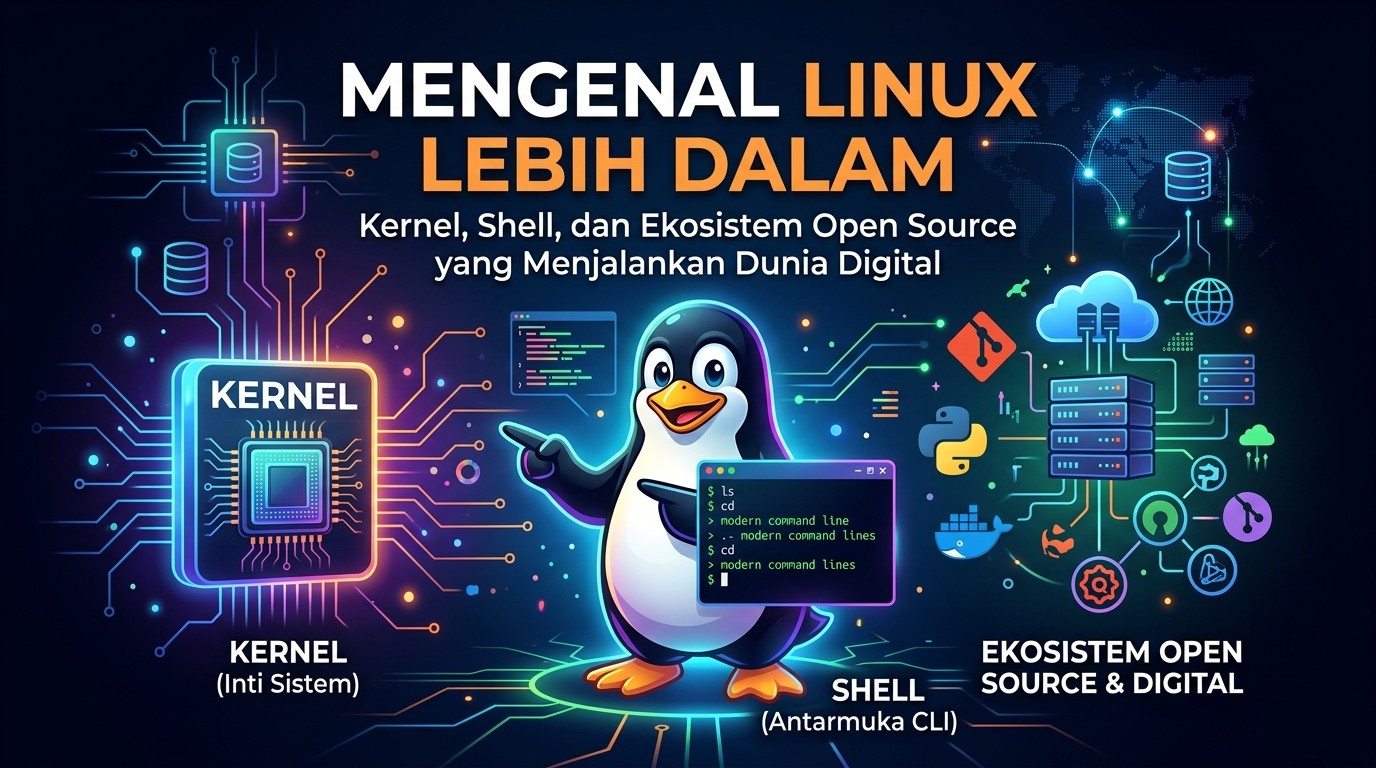
The kernel is the layer that bridges hardware with application software. It is responsible for managing the processor, memory, storage, network, and other devices so they can be used together fairly and securely. Here are some important concepts you need to know:
- Process management: the kernel determines which programs run, for how long, and on which processor core.
- Memory management: each application gets its own memory space so that one problematic program does not bring down the entire system.
- Permissions: file and user access rights are strictly regulated, which is one of the reasons Linux is known to be secure.
- Kernel modules: hardware support can be added or removed without needing to rebuild the entire system.
Understanding the kernel helps when you diagnose performance issues, such as processes consuming excessive CPU or memory that is not being freed. Tools such as top, dmesg, and journalctl become windows to see what the kernel is doing.
Shell and Terminal: The Real Workspace
If the kernel is the heart, the shell is the face that most often interacts with the user. The shell reads the commands you type, translates them, and then asks the kernel to execute them. Although graphical interfaces feel friendlier, many technical tasks are actually faster and more precise when done through the terminal.
Here are some basic skills that are useful to master:
- Navigating directories with
cd,ls, and understanding the file structure in/etc,/var, and/home. - Managing files and access permissions using
cp,mv,chmod, andchown. - Combining commands with pipes (
|) and filtering output usinggrep,awk, andsed. - Automating repetitive tasks through simple shell scripts or schedulers such as
cronand thesystemdservice manager.
These skills are not only useful for server administrators. Modern software developers often write scripts to build, test, and deploy applications—and almost all of them run on the shell.
The Open Source Ecosystem and Distributions
On top of the kernel and shell, a very vast software ecosystem unfolds. Package management systems make it easy for you to install, update, and remove applications consistently. Because many projects share the same foundation, a skill you learn in one distribution can generally be transferred to another distribution with minor adjustments.
There are several major families of distributions whose patterns you need to recognize, for example those based on Debian, those based on Red Hat, as well as those designed specifically for particular purposes. The main differences lie in the package manager, release cycle, and maintenance philosophy, not in how they fundamentally work.
Why Linux Is Increasingly Relevant in the Era of Cloud and Containers
The modern computing world centers on two things: cloud services and containers. Both rest on Linux. Isolation technologies such as namespaces and cgroups—which form the basis of how containers work—come directly from the Linux kernel. That is why most orchestration platforms and cloud services make Linux their primary operating system.
When you write code and run it in a container, you are indirectly interacting with Linux concepts: processes, permissions, networking, and file systems. The better your understanding of Linux, the easier it is for you to trace problems when applications run in production environments.
Practical Ways to Start Getting to Know Linux
You do not need to immediately switch your primary operating system to learn. The following steps can be a comfortable starting point:
- Use a virtual machine or a test environment so you are free to experiment without risk.
- Start with basic commands and get used to reading terminal output carefully.
- Learn how access permissions and the
rootuser concept work, because both are key to security. - Create small projects, for example installing and configuring a simple service or scheduling automatic backups.
- Document every step you take so it becomes a personal record that will be useful later.
With a gradual approach, Linux transforms from something that seems complicated into a tool that opens up many opportunities, both for a career in infrastructure and in software development.
ArtonLabs colleagues, thank you for following this discussion about Linux. We hope this review of the kernel, shell, and its ecosystem gives you a firmer footing to explore further. If you have questions, issues, or topics you would like to discuss, do not hesitate to contact us through the contact page. We will be happy to help with your learning journey.