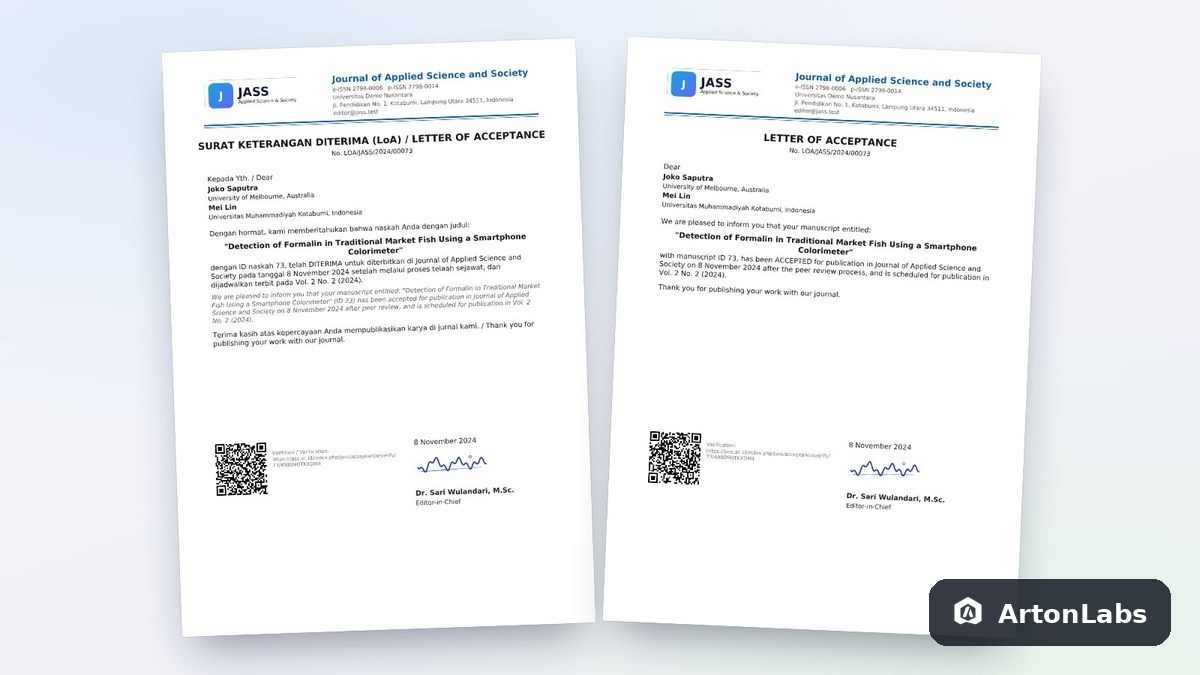
Letter of Acceptance (LoA) – OJS Plugin
Following year /year* *Estimate; it may vary with usage, such as storage capacity and more.
Prices include tax.
- Easy Installation Upload ZIP from the Open Journal Systems dashboard.
- Integrated Works directly in Open Journal Systems.
- Official License License key and version updates.
- Support Installation support from our team.
Every time a manuscript is accepted, journal managers usually prepare a Letter of Acceptance (LoA) one by one, sign it, and send it to the author. This plugin takes over that work. As soon as the editor records the Accept decision, an official LoA on the journal's letterhead reaches the author's email.
Highlights
- Automatic LoA upon acceptance. The LoA PDF is emailed to the author as soon as the editor records the Accept decision.
- Configurable official letter format. A letterhead with two logos, F4 or A4 paper, a stamp, two signatories, and your own letter-number pattern. A PDF preview is available before the first LoA is sent.
- Authors download it themselves. Each manuscript's LoA is available in the author's account, so there is no need to resend it by email.
- LoA status on a single screen. Editors see the LoA status of every manuscript and can resend it when needed.
- Verification via QR code. Anyone can check an LoA's authenticity from the QR code on the document.
Official letter format (letterhead)
Everything is optional and can be checked first with the PDF preview button before saving.
- University letterhead. A left logo and an optional right logo (e.g. the university logo and the journal logo) with adjustable height, up to 5 lines of letterhead text (Ministry, University, Faculty), centred or left-aligned, with a double, single, or no letterhead rule.
- Paper size. A4, F4/Folio (215 × 330 mm), or Letter.
- Signatures. Place and date (e.g. "Kotabumi, 8 November 2024"), a stamp image over the signature, a second signatory (e.g. Editor in Chief and Managing Editor), and a QR block that can be hidden.
- Your own letter-number pattern. Using the tokens {prefix}, {acronym}, {year}, {month}, {roman_month}, and {id5} (e.g. 0059/LoA/JASS/XI/2026). Numbers already issued do not change.
- Date format and footer text. E.g. "This document is valid without a wet signature because it is verified by QR".
- Applies to the LoA.
How it works
- The Journal Manager sets the letterhead, logos, paper size, stamp, signatories, and number pattern, then checks the PDF preview.
- The editor records the Accept decision as usual.
- The LoA is emailed to the author and available in their account; its authenticity can be verified via the QR code.
Ideal for
- Journals that need an official, verifiable LoA without charging an APC.
- University journals that use the official letter format (two-logo letterhead, F4 paper, stamp).
Need APC invoices and online payment as well? See the LoA & APC Invoice plugin.
What you get
- A ready-to-install ZIP file along with installation instructions.
- A license key for one site, valid for all journals in that OJS installation.
- Version updates and technical support for one year (subject to the Purchase Terms).
- Runs on
- Open Journal Systems 3.3, 3.4 and 3.5
- Package type
- Generic plugin
- Required permissions
- Site administrator
- How to Install
- Upload ZIP via OJS Dashboard › Site Settings › Plugins › Upload A New Plugin.
- Version
- 1.1.0.0
- Plugin class
- LoaLetterPlugin
- Folder name
- loaLetter
- Download size
- 2.1 MB
- Format
- ZIP
- Published
- 2026-11-14
- Updated
- 2026-11-14
Files can be downloaded after payment is confirmed.
You May Also Like
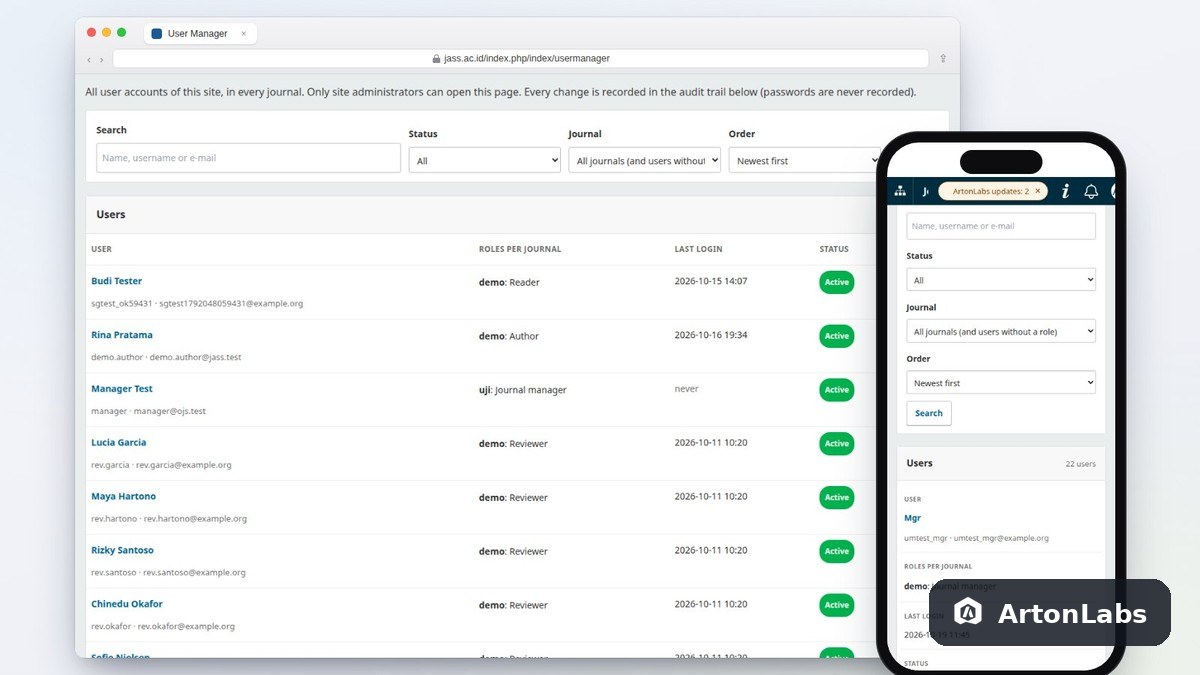
User Manager (ArtonLabs) – OJS Plugin
Di OJS 3.5, menu Users & Roles berubah: tombol Edit kini membuka …
View Details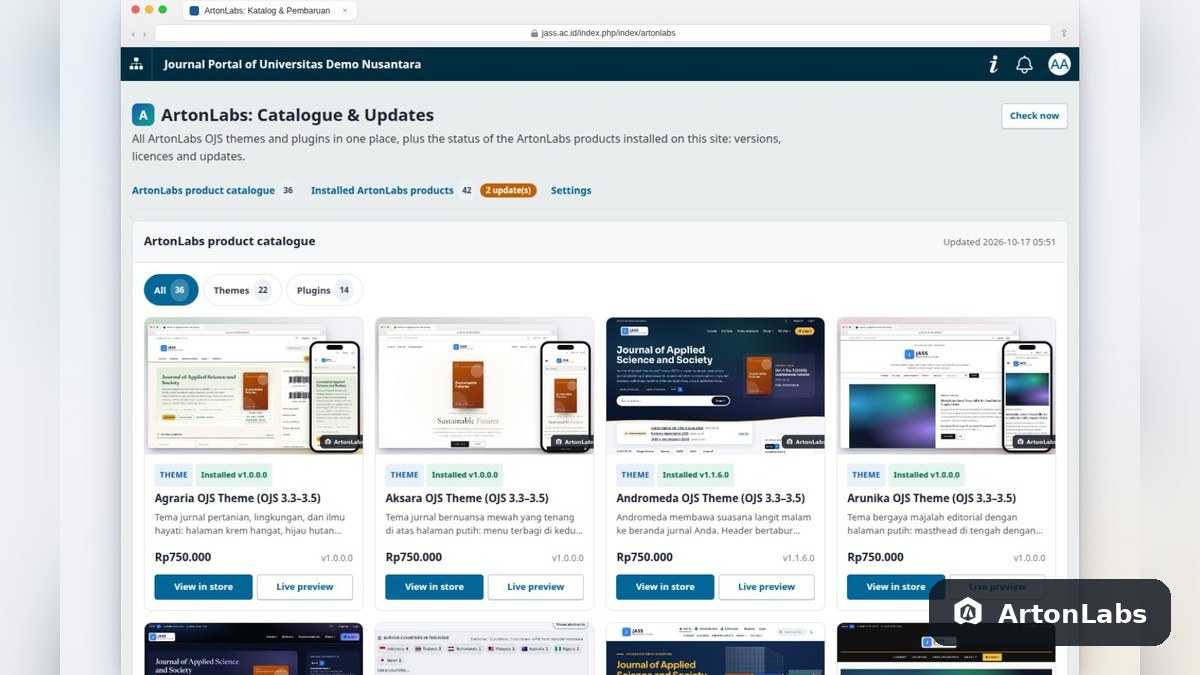
ArtonLabs: Catalogue & Updates – OJS Plugin
Plugin gratis dari ArtonLabs: katalog semua tema dan plugin OJS ArtonLabs (tautan …
View Details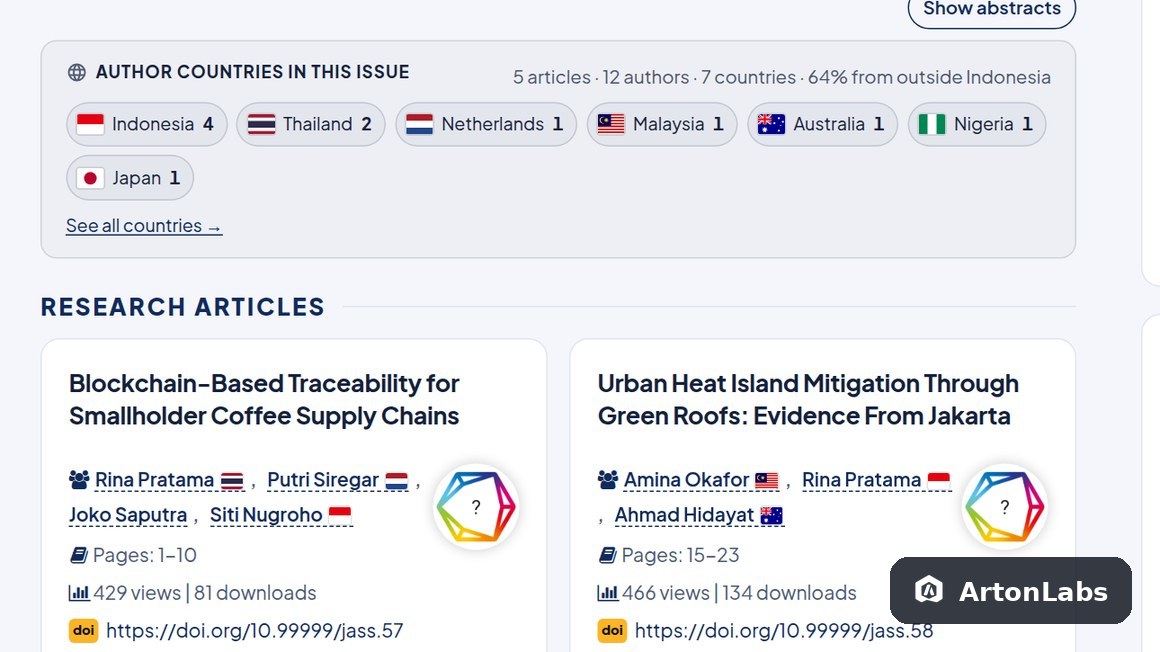
Author Country & Flags – OJS Plugin
Keragaman penulis termasuk yang dinilai saat akreditasi, tetapi merekap asal negara penulis …
View Details
Visitor Map & Counter – OJS Plugin
Hampir semua jurnal Indonesia memasang Flag Counter, ClustrMaps, atau Histats. Widget itu …
View Details