Avariel OJS Theme (OJS 2.4)
Following year /year* *Estimate; it may vary with usage, such as storage capacity and more.
Prices include tax.
- Easy Installation Upload ZIP from the Open Journal Systems dashboard.
- Modern Design Responsive across all devices.
- Easy Customization Tailored to your institution's needs.
- Support Installation support from our team.
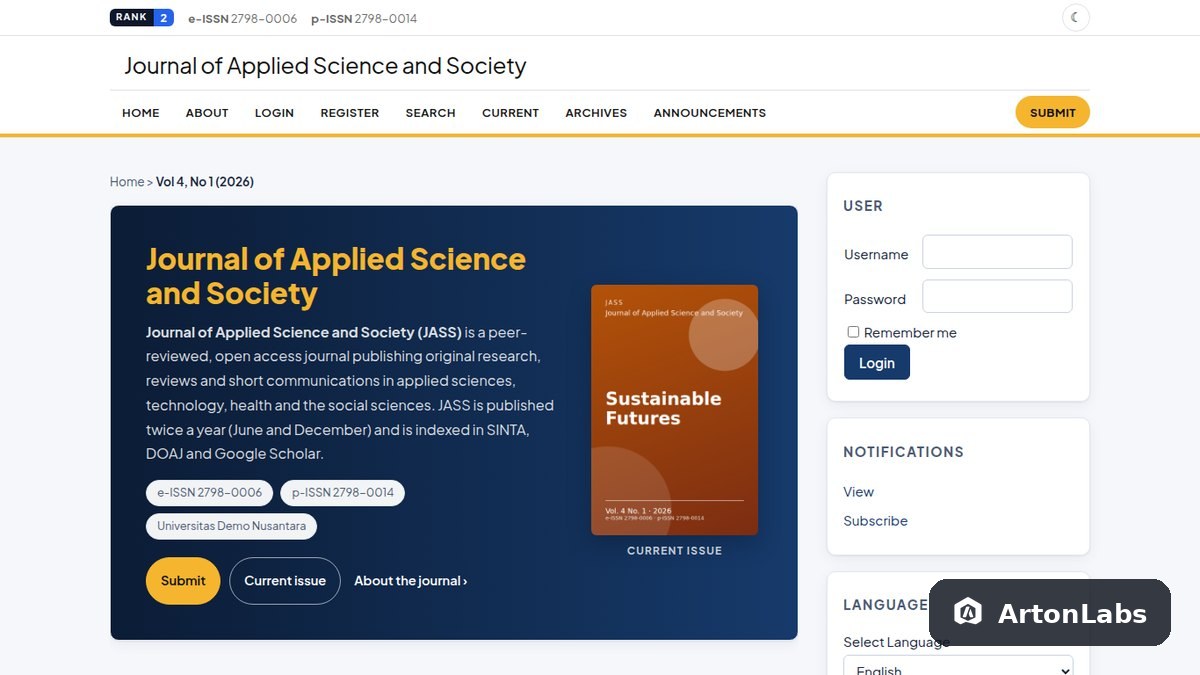
This is the Avariel edition for OJS 2.4.x, a bright and formal journal portal theme for universities. The two-row header contains search, then a hero with a transparent building background displays a gold-highlighted title and a call-to-action button. Campuses whose journals are still on OJS 2.4 can still look consistent and convincing.
Highlights
- Bright two-row header. Search and menu are neatly arranged at the top.
- Hero with building background. The transparent building and gold-highlighted title give a strong campus feel.
- Navy wave with gold lines. The distinctive section divider makes the homepage feel cohesive.
- Portal with journal cards. A multi-journal site displays each journal as a card.
- Table of contents in card form. Articles in each issue are easy to scan.
- Light and dark mode. Readers can choose the view that is comfortable for their eyes.
Customize without code
- Choose the theme from Journal Setup. Enable the theme in Journal Setup step 5, or in Site Settings for the portal page.
- Logo, header, and homepage. You still manage everything from Journal Setup as usual, without touching theme files.
- Light or dark mode. This choice is in the reader's hands, directly from the journal view.
Great for
- Universities with a journal portal on OJS 2.4.
- Faculties that want a formal look with a campus feel.
- Journals that want a bright homepage before migrating to OJS 3.
What you get
- A ready-to-install ZIP file along with installation instructions.
- A license key for one site.
- Version updates and technical support for one year (subject to the Purchase Terms).
Good to know
- Exclusively for OJS 2.4.x (tested on OJS 2.4.8) with PHP 5.3 or newer.
- OJS 2.4 does not have a theme options page, so colors and layout follow the theme design.
- For OJS 3.3 through 3.5, choose the OJS 3 edition of the same theme.
- Runs on
- Open Journal Systems 2.4.x
- Package type
- Theme
- Required permissions
- Site administrator
- How to Install
- Upload ZIP via OJS Dashboard › Site Settings › Plugins › Upload A New Plugin.
- Version
- 1.0.2.0
- Edition
- ojs2
- Folder name
- avariel
- Download size
- 29 KB
- Format
- ZIP
- Published
- 2026-10-15
- Updated
- 2026-10-16
Files can be downloaded after payment is confirmed.
You May Also Like
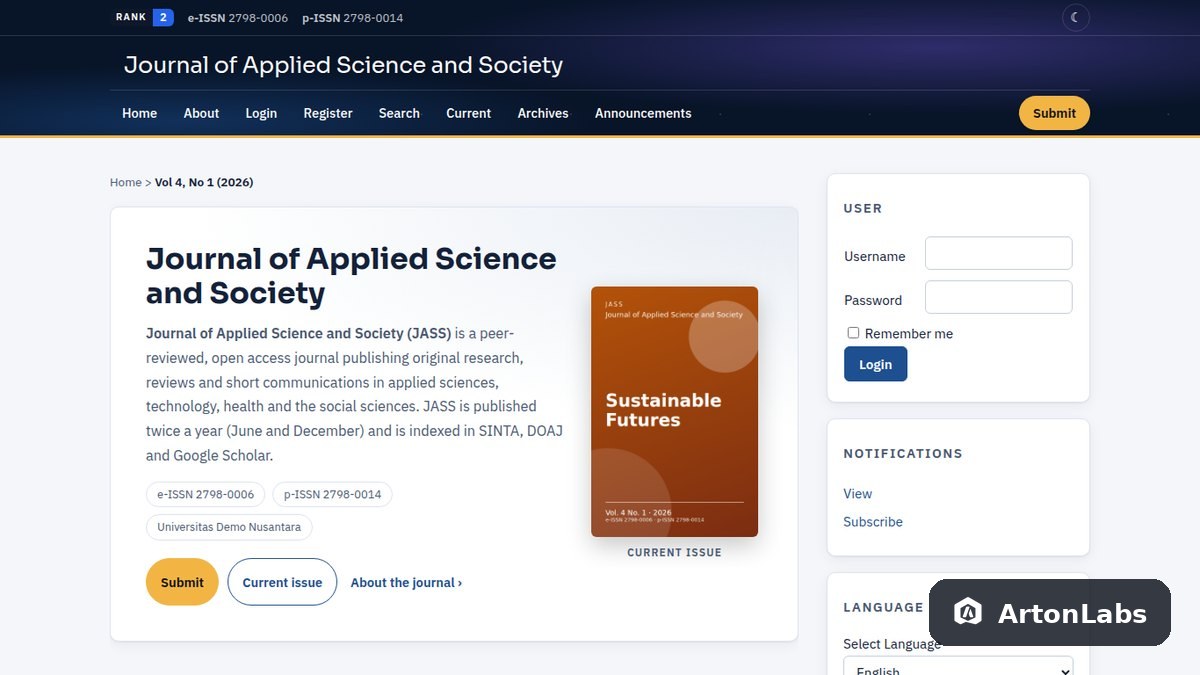
Andromeda OJS Theme (OJS 2.4)
Ini edisi Andromeda untuk OJS 2.4.x. Jurnal yang belum pindah ke OJS …
View Details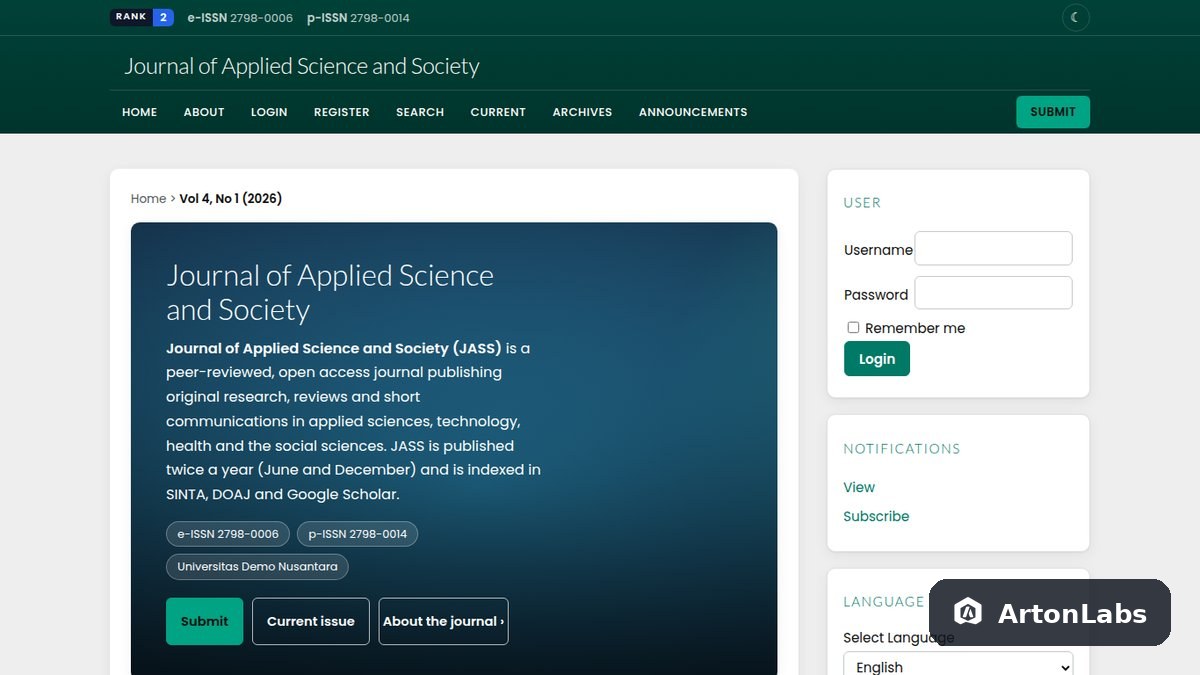
Galaksi OJS Theme (OJS 2.4)
Ini edisi Galaksi untuk OJS 2.4.x, mengikuti gaya portal jurnal perguruan tinggi …
View Details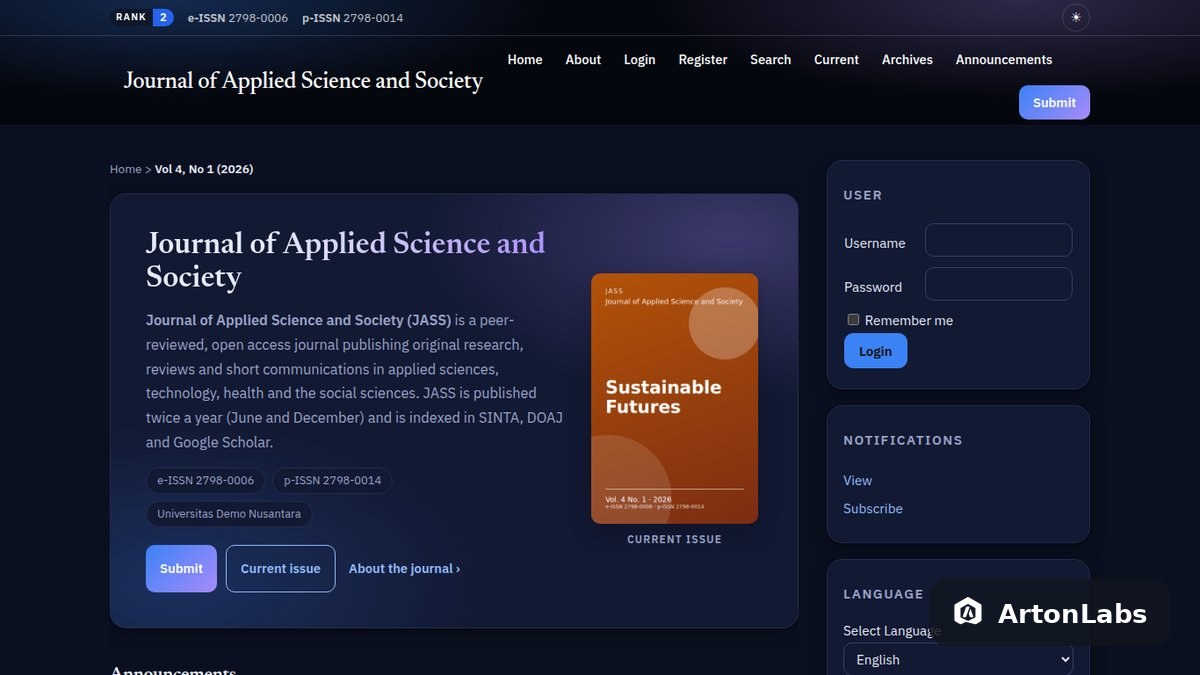
Aurora OJS Theme (OJS 2.4)
Ini edisi Aurora untuk OJS 2.4.x, tema baca bernuansa gelap bagi jurnal …
View Details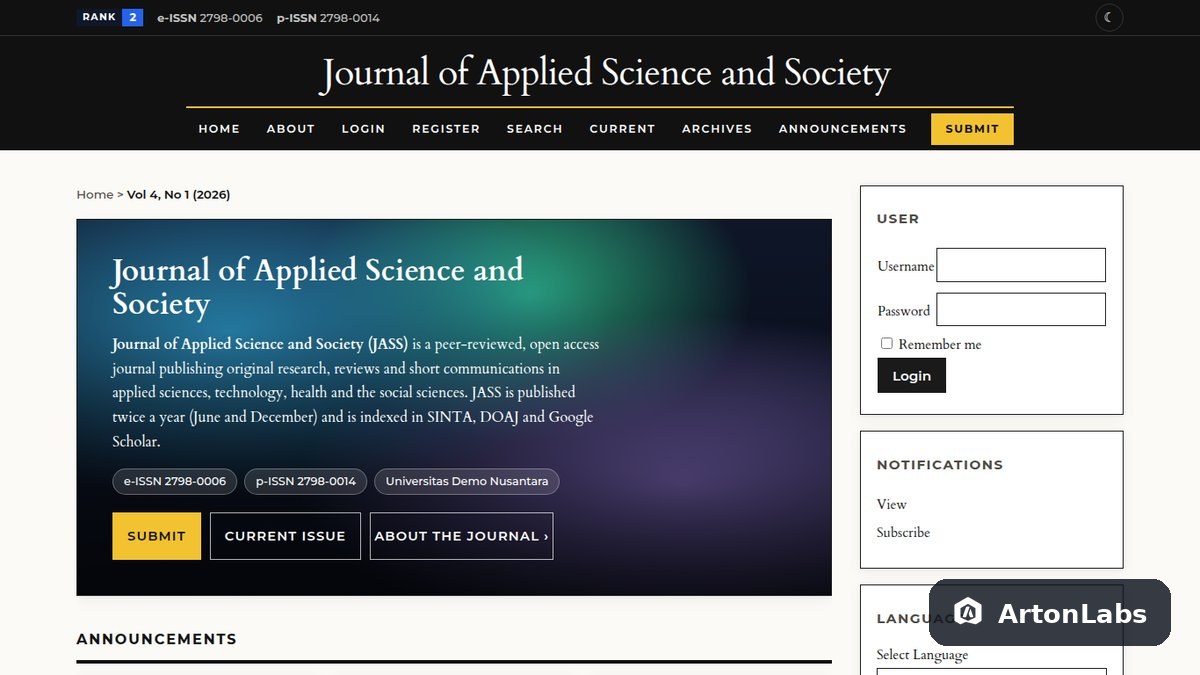
Broadsheet OJS Theme (OJS 2.4)
Ini edisi Broadsheet untuk OJS 2.4.x, desain editorial tegas bergaya majalah cetak. …
View Details