Proficient - Moodle Theme
Following year /year* *Estimate; it may vary with usage, such as storage capacity and more.
Prices include tax.
- Easy Installation Upload ZIP from the Moodle dashboard.
- Modern Design Responsive across all devices.
- Easy Customization Tailored to your institution's needs.
- Support Installation support from our team.
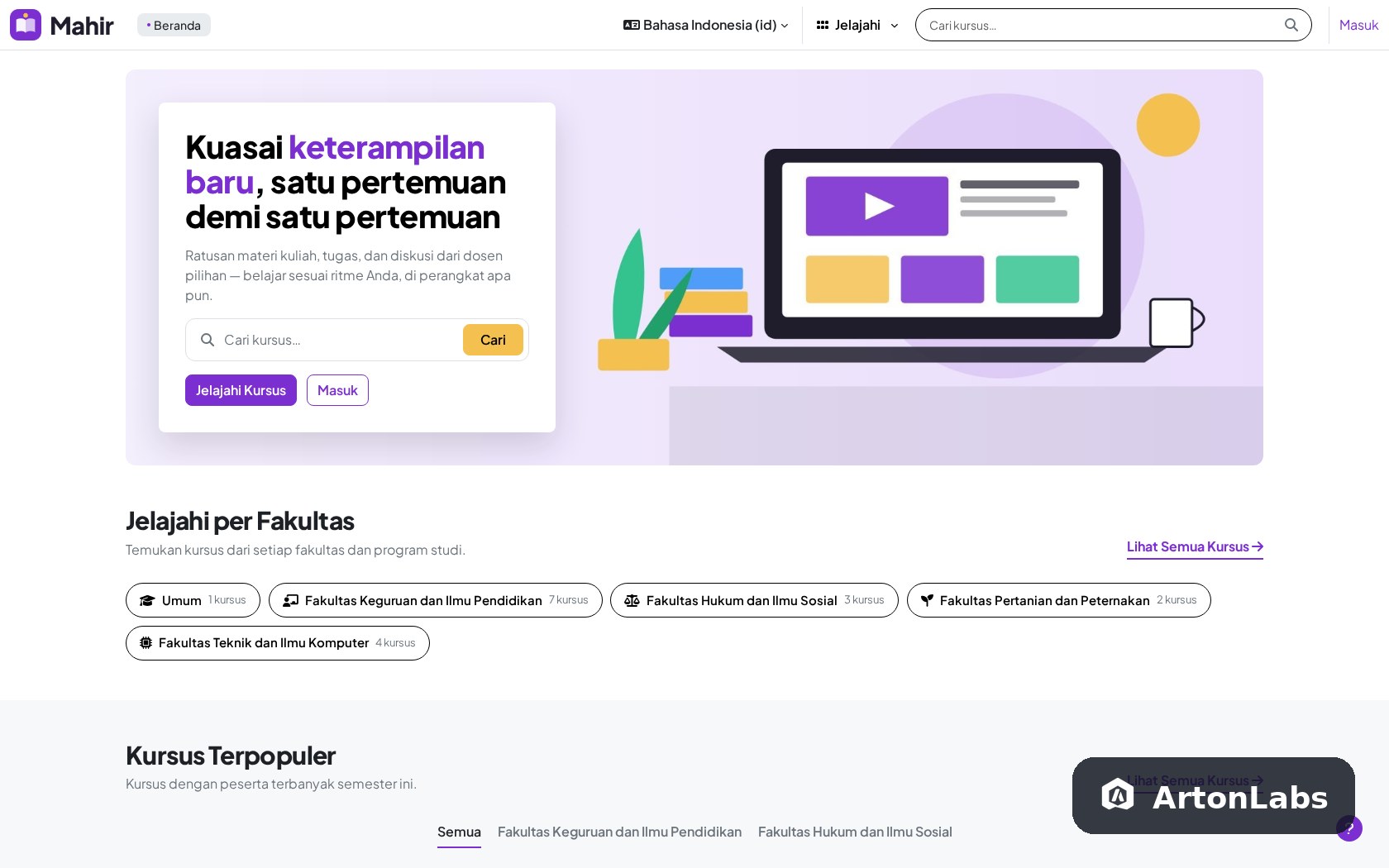
Expertly brings a modern online course platform-style learning experience directly to your campus Moodle. Visitors browse the catalog like on popular course sites: search, filter topics, then jump into the right course.
The cards are honest. Mahir does not display star ratings or course prices, because Moodle does not store that data by default and fabricated numbers would only mislead your students.
Highlights
- Explore menu and large search in the navbar. The Explore button opens a list of faculties along with their course counts, and the search box is always ready at the top.
- Banner with a call-to-action card. A wide image with a card containing a title, text, search box, and button welcomes visitors with a clear message.
- Most Popular and Newest carousels. Courses are presented in dense carousels so many options are visible without a long page.
- Badges from real data. Course cards are automatically given a "Most Popular" badge for courses with the most participants and "New" for courses created in the last 30 days, calculated from your site's data.
- Faculty chips. Topics appear compact and easy to scan, so visitors can switch faculties quickly.
- Continue Learning dashboard. After logging in, students are greeted with a row of in-progress courses along with each course's progress.
- Dark mode and mobile view. The homepage, courses, and dashboard stay tidy on small screens and when users choose dark mode.
- Fonts from your own site. All fonts are served from your server, with no calls to Google Fonts, and the theme does not store personal data beyond Boost's default preferences.
Customize without code
- Catalog and course cards. Set the number of courses displayed, choose carousel or grid with faculty filter tabs, and show the Newest Courses row alongside Most Popular Courses.
- Colors, fonts, and shapes. Set brand colors, dark colors, and accent colors; choose the Plus Jakarta Sans, Lexend, or Nunito fonts, plus the Fraunces serif font for headings if desired. Page width and corner rounding can also be changed.
- Hero and login page. Choose the hero style, write its title and text (wrap words with asterisks to highlight them), then replace the hero image and login page panel photo.
- Homepage layout. Determine the order of homepage sections and change the contents of the feature strip, getting started steps, and role panels via simple text lines. Each category's icon can also be set.
- Navbar, dashboard, and footer. Choose a light, brand-colored, or transparent navbar over the hero; enable search and the Explore menu; choose the greeting, Continue Learning, or portal dashboard style; fill in the logo, text, contact, links, and social media in the footer.
Suitable for
- Campuses with large course catalogs that need to be easy to search and explore.
- Training units or open learning that want the LMS to feel like an online course platform.
- Institutions that prioritize real information on course cards, not decorative numbers.
What you get
- A single download containing the theme ZIP file and the Rangka foundation ZIP file, ready to install.
- Installation order instructions inside the package.
- Version updates and technical support for one year, in accordance with the Purchase Terms.
Good to know
- Exclusively for Moodle 5.3 (build 2026100500); not yet tested on other versions.
- Alpha release status: already used in real environments, but prepare a backup and test on a copy first.
- The package contains two plugins: this theme and Rangka, a shared foundation that must be installed first and is included at no extra cost. Mahir requires Rangka 0.3.0 or newer, and the version included in the package meets that. Code license GNU GPL v3 or later.
- Runs on
- Moodle 5.3 (build 2026100500 atau lebih baru)
- Package type
- Theme
- Dependencies
- theme_rangka — already included in the package, at no extra cost
- Required permissions
- Site administrator
- How to Install
- Upload ZIP via Site administration › Plugins › Install plugin, then complete the upgrade page.
- Version
- 0.1.0
- Component name
- theme_mahir
- Folder name
- mahir
- Download size
- 514 KB
- Format
- ZIP
- Published
- 2026-10-13
- Updated
- 2026-10-16
Files can be downloaded after payment is confirmed.
mahir-0.1.0.zipThe theme itself.rangka-0.4.0.zipShared foundation. Install first; does not appear in the theme picker because it is not a directly used theme.CARA-PASANG.txtInstallation order, version requirements, and license.
Static preview: shows the theme as-is, but log in, search, and settings inside do not function. Content is dummy data for demonstration only.
You May Also Like
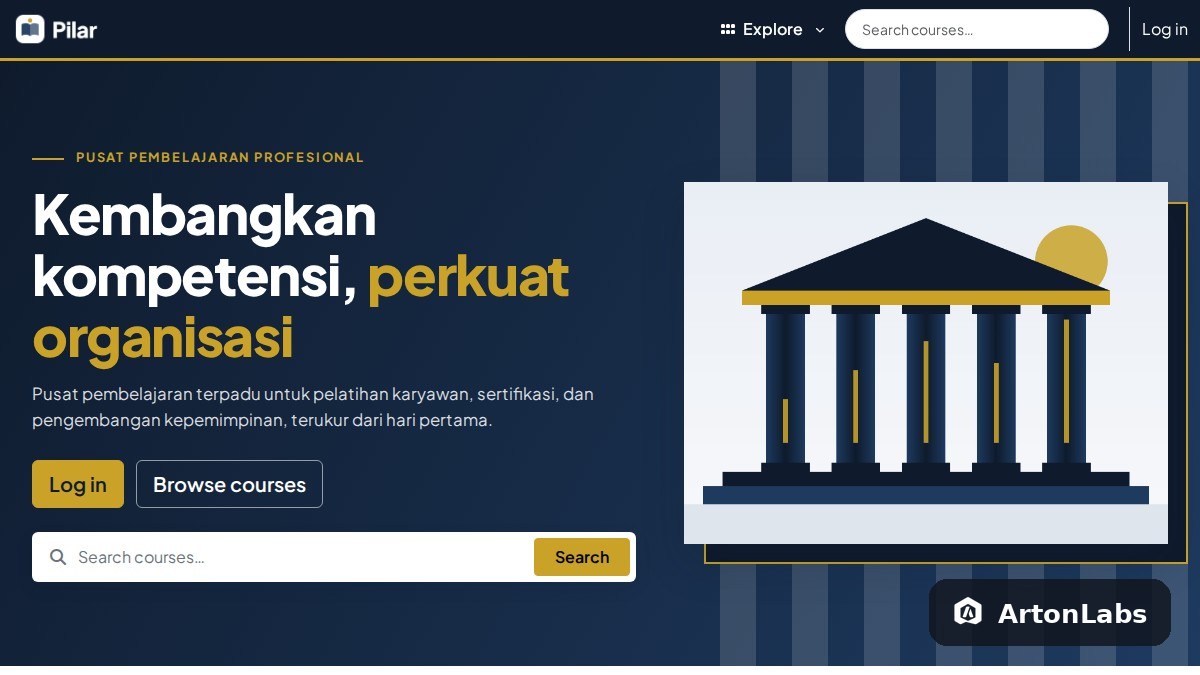
Pilar - Moodle Theme
Pilar memberi Moodle tampilan pusat pembelajaran korporat yang tegas dan berwibawa, cocok …
View Details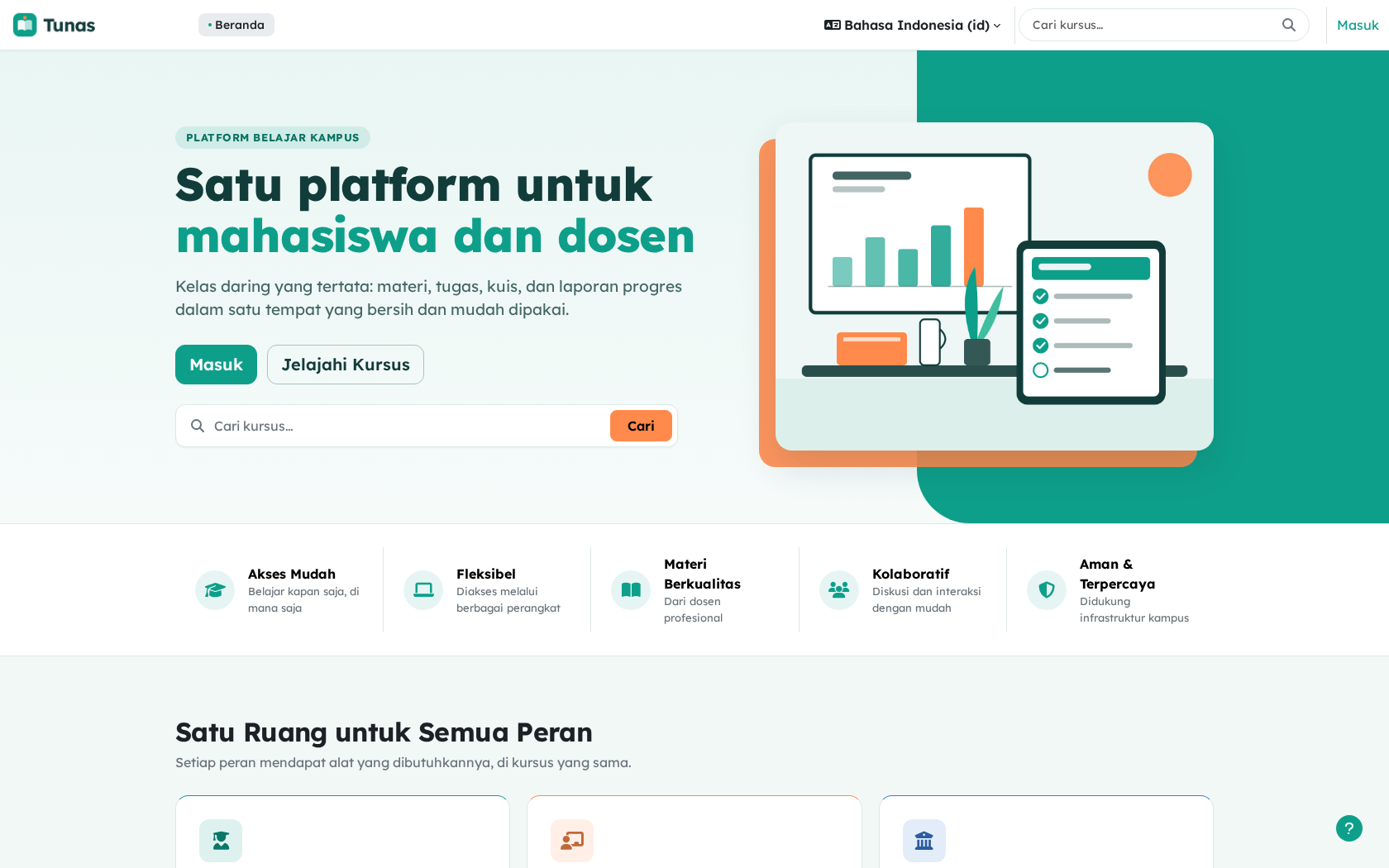
Tunas - Moodle Theme
Tunas menghadirkan tampilan platform belajar sekolah daring yang bersih dan tertata. Hijau …
View Details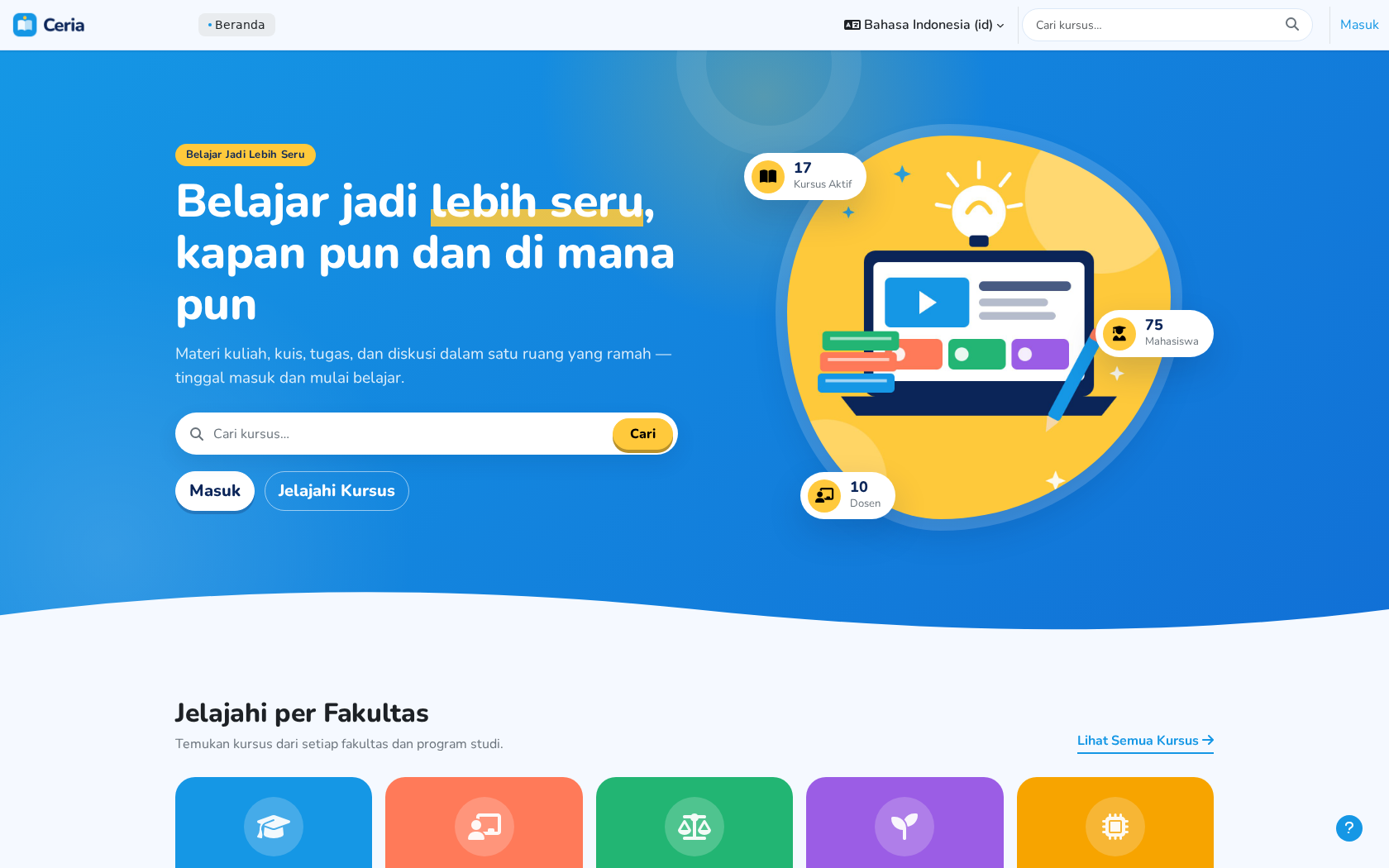
Ceria - Moodle Theme
Ceria membuat Moodle kampus terasa ramah dan bersemangat. Biru cerah, sorotan kuning, …
View Details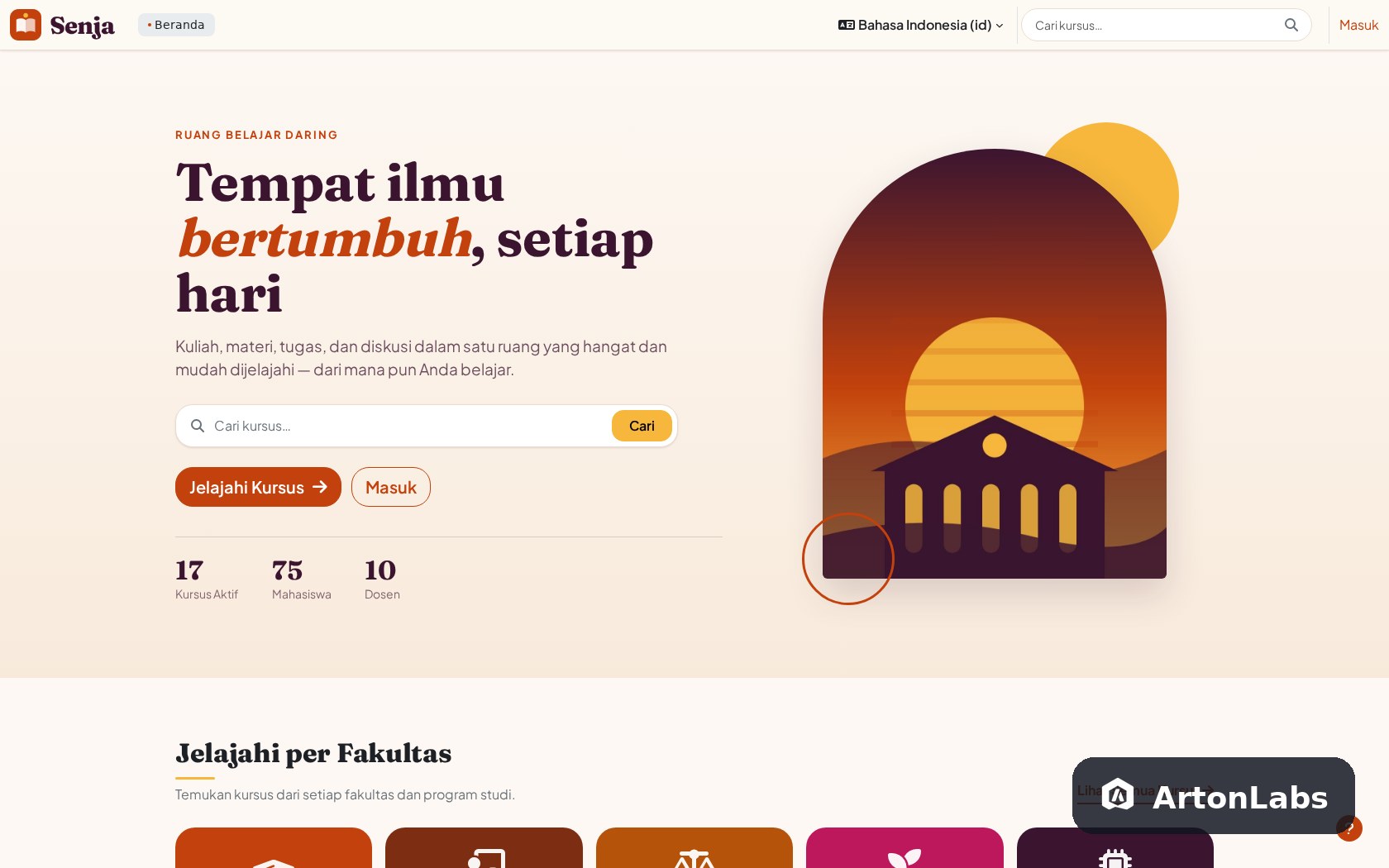
Senja - Moodle Theme
Senja menghadirkan LMS kampus yang hangat, berkelas, dan terasa seperti majalah yang …
View Details