LoA & APC Invoice – OJS Plugin
Following year /year* *Estimate; it may vary with usage, such as storage capacity and more.
Prices include tax.
- Easy Installation Upload ZIP from the Open Journal Systems dashboard.
- Integrated Works directly in Open Journal Systems.
- Official License License key and version updates.
- Support Installation support from our team.
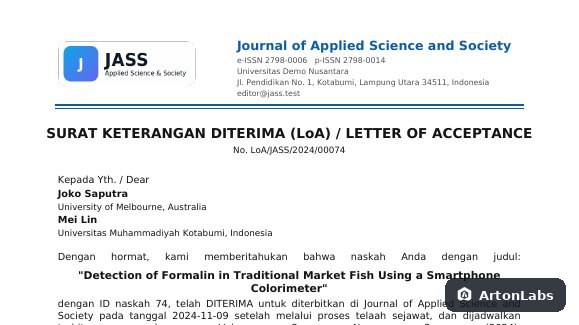
Every time a manuscript is accepted, journal managers usually prepare an LoA and an APC invoice, send them one by one, then match transfer receipts from email. This plugin takes over that work. As soon as the editor selects the Accept decision, the LoA and invoice reach the author, and the payment is recorded in the APC & LoA menu.
Highlights
- Automatic LoA upon acceptance. The LoA PDF is sent to the email of all authors or only the corresponding author, with the invoice attached if there is a fee. You can customize the email subject and body.
- Official documents on journal letterhead. The LoA is bilingual, numbered, and signed. The invoice includes a number, due date, transfer instructions, and a static QRIS.
- Configurable official letter format. A letterhead with two logos, F4 or A4 paper, a stamp, two signatories, and your own letter-number pattern. A PDF preview is available before the first LoA is sent.
- Pay online or by transfer. Via Midtrans Snap or Xendit Invoice, authors can use QRIS, e-wallets, virtual accounts, or credit cards. Authors can also upload transfer receipts.
- Payment status on a single screen. Editors see a summary of Unpaid, Awaiting confirmation, Paid, Waived, and total received. Per manuscript, editors can mark as paid, waive the fee, change the amount, or resend the LoA.
- Payment confirmation that is hard to forge. An invoice is only marked paid if the gateway notification is validly signed, the order number matches, and the amount is sufficient.
- Verification via QR code. Anyone can check the authenticity of an LoA or invoice along with its payment status. If a manuscript is rejected after acceptance, the document appears as revoked.
Official letter format (letterhead)
Everything is optional and can be checked first with the PDF preview button before saving.
- University letterhead. A left logo and an optional right logo (e.g. the university logo and the journal logo) with adjustable height, up to 5 lines of letterhead text (Ministry, University, Faculty), centred or left-aligned, with a double, single, or no letterhead rule.
- Paper size. A4, F4/Folio (215 × 330 mm), or Letter.
- Signatures. Place and date (e.g. "Kotabumi, 8 November 2024"), a stamp image over the signature, a second signatory (e.g. Editor in Chief and Managing Editor), and a QR block that can be hidden.
- Your own letter-number pattern. Using the tokens {prefix}, {acronym}, {year}, {month}, {roman_month}, and {id5} (e.g. 0059/LoA/JASS/XI/2026). Numbers already issued do not change.
- Date format and footer text. E.g. "This document is valid without a wet signature because it is verified by QR".
- Applies to the LoA, invoice, and receipt.
How it works
- The Journal Manager fills in the APC fee, currency, due date, bank instructions, QRIS, and signatory, then chooses a gateway or transfer only. A fee of 0 means no APC.
- The editor records the Accept decision as usual. The LoA is sent without slowing down the decision page.
- The author opens the APC & LoA menu, downloads the LoA and invoice, then pays online or uploads a transfer receipt.
- The editor confirms the transfer receipt. Online payments become Paid once the gateway confirms them.
Ideal for
- Journals that charge an APC and want every payment recorded neatly.
- Journals without an APC that still need an official, verifiable LoA.
- Managers with many accepted manuscripts per issue.
What you get
- A ready-to-install ZIP file along with installation instructions.
- A license key for one site, valid for all journals in that OJS installation.
- Version updates and technical support for one year (subject to the Purchase Terms).
Good to know
- The Midtrans or Xendit account is set up by the journal itself. Midtrans only accepts payments in IDR.
- The gateway path has been tested with unit tests and invalid keys. Testing real transactions requires the journal's own sandbox account.
- Runs on
- Open Journal Systems 3.3, 3.4 and 3.5
- Package type
- Generic plugin
- Required permissions
- Site administrator
- How to Install
- Upload ZIP via OJS Dashboard › Site Settings › Plugins › Upload A New Plugin.
- Version
- 1.3.0.0
- Plugin class
- ApcInvoicePlugin
- Folder name
- apcInvoice
- Download size
- 2.2 MB
- Format
- ZIP
- Published
- 2026-11-14
- Updated
- 2026-11-14
Files can be downloaded after payment is confirmed.
You May Also Like
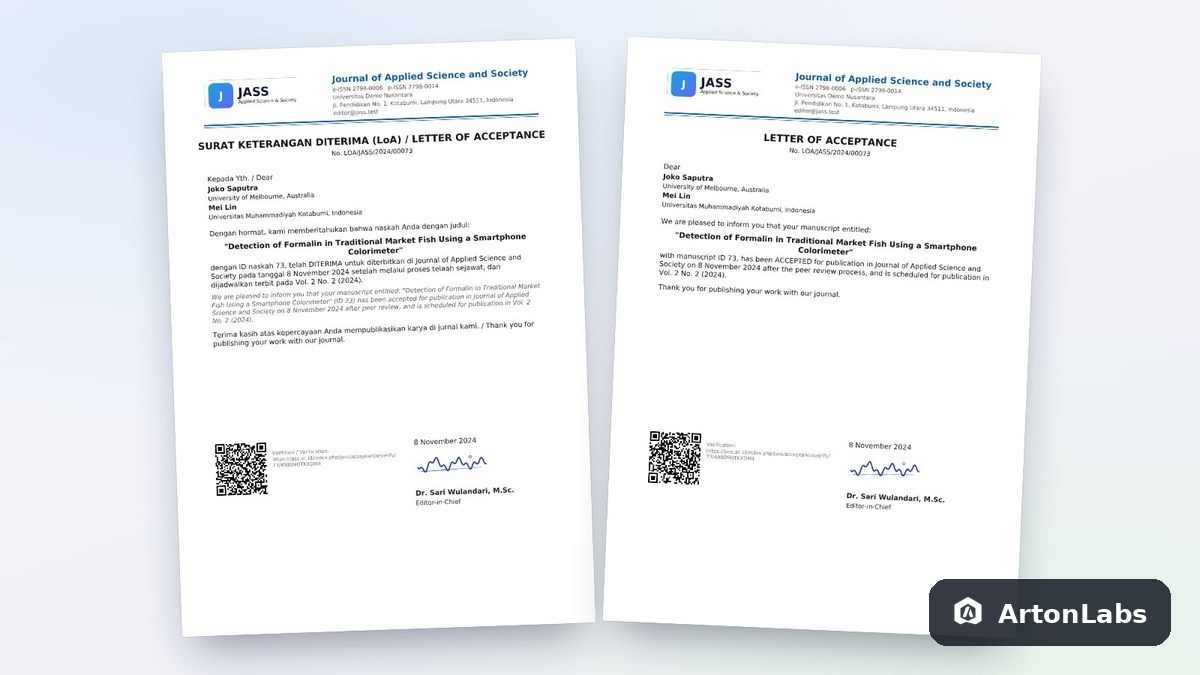
Letter of Acceptance (LoA) – OJS Plugin
Setiap naskah diterima, pengelola jurnal biasanya menyusun Letter of Acceptance (LoA) satu …
View Details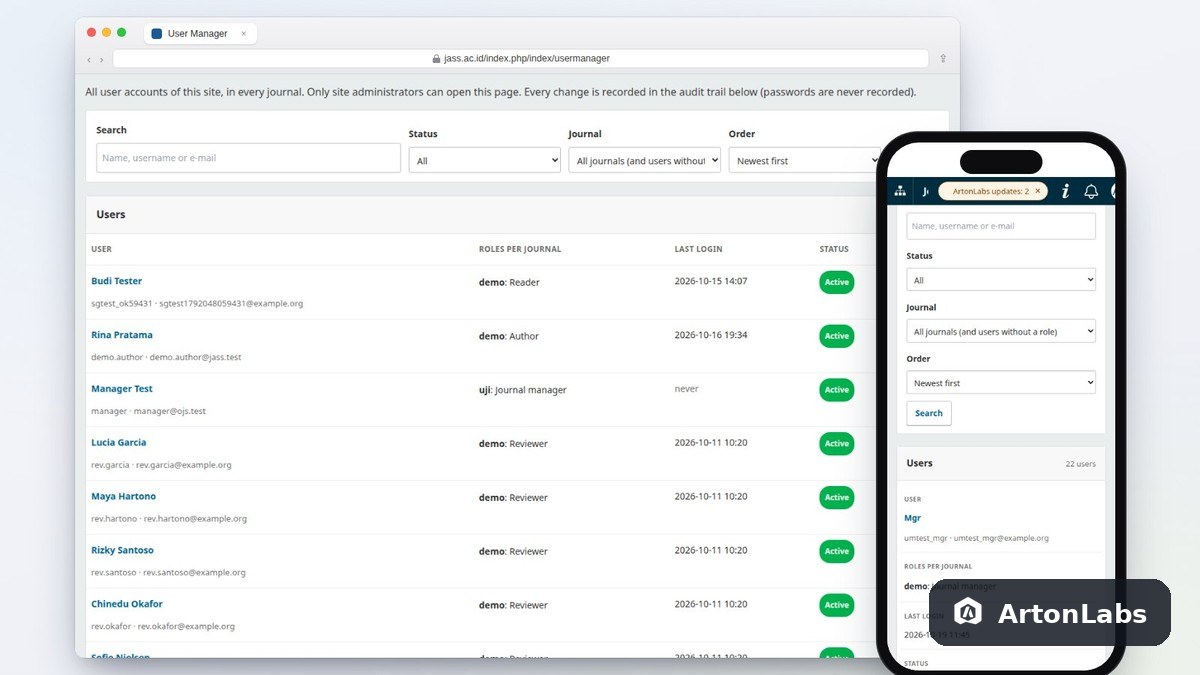
User Manager (ArtonLabs) – OJS Plugin
Di OJS 3.5, menu Users & Roles berubah: tombol Edit kini membuka …
View Details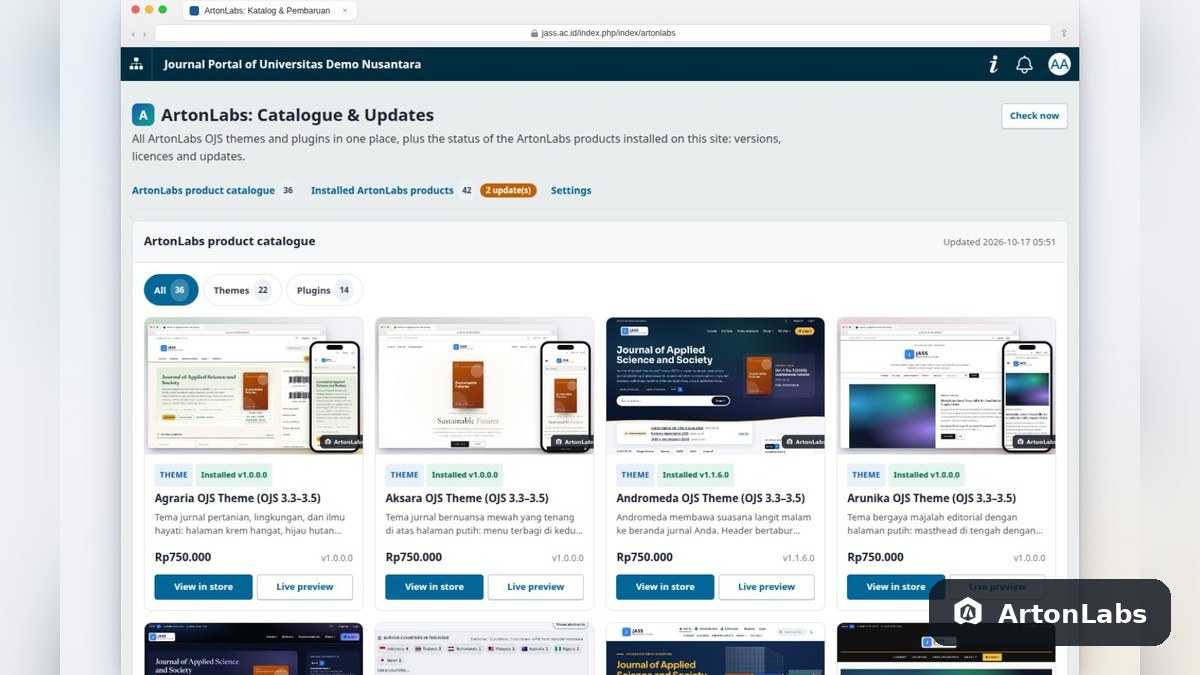
ArtonLabs: Catalogue & Updates – OJS Plugin
Plugin gratis dari ArtonLabs: katalog semua tema dan plugin OJS ArtonLabs (tautan …
View Details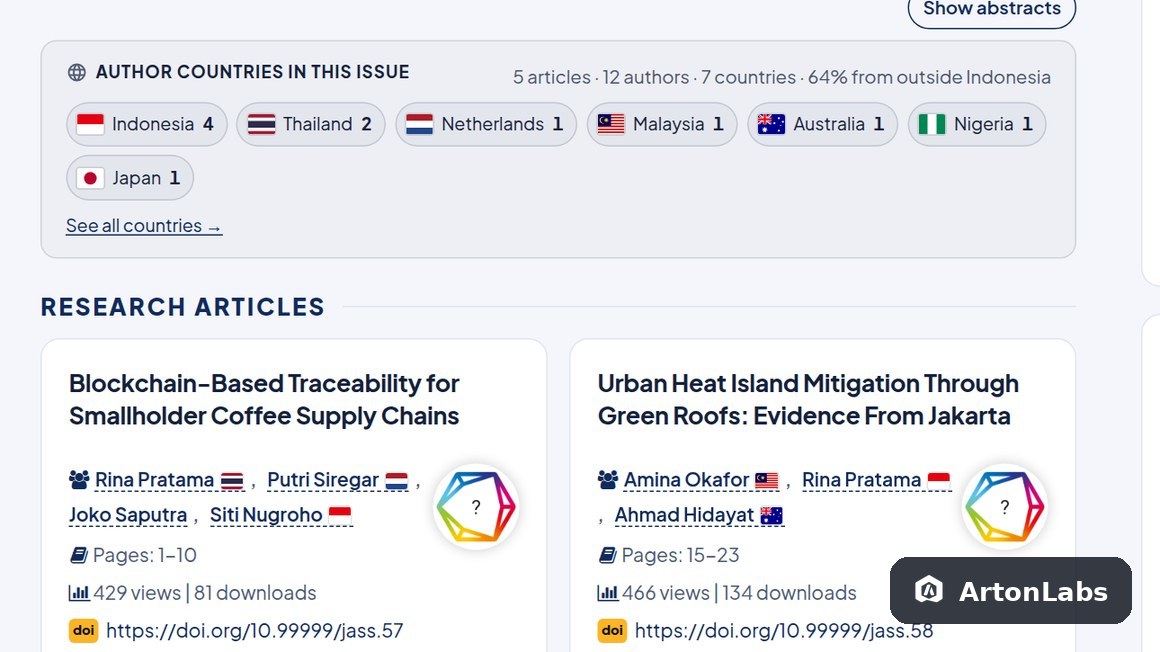
Author Country & Flags – OJS Plugin
Keragaman penulis termasuk yang dinilai saat akreditasi, tetapi merekap asal negara penulis …
View Details