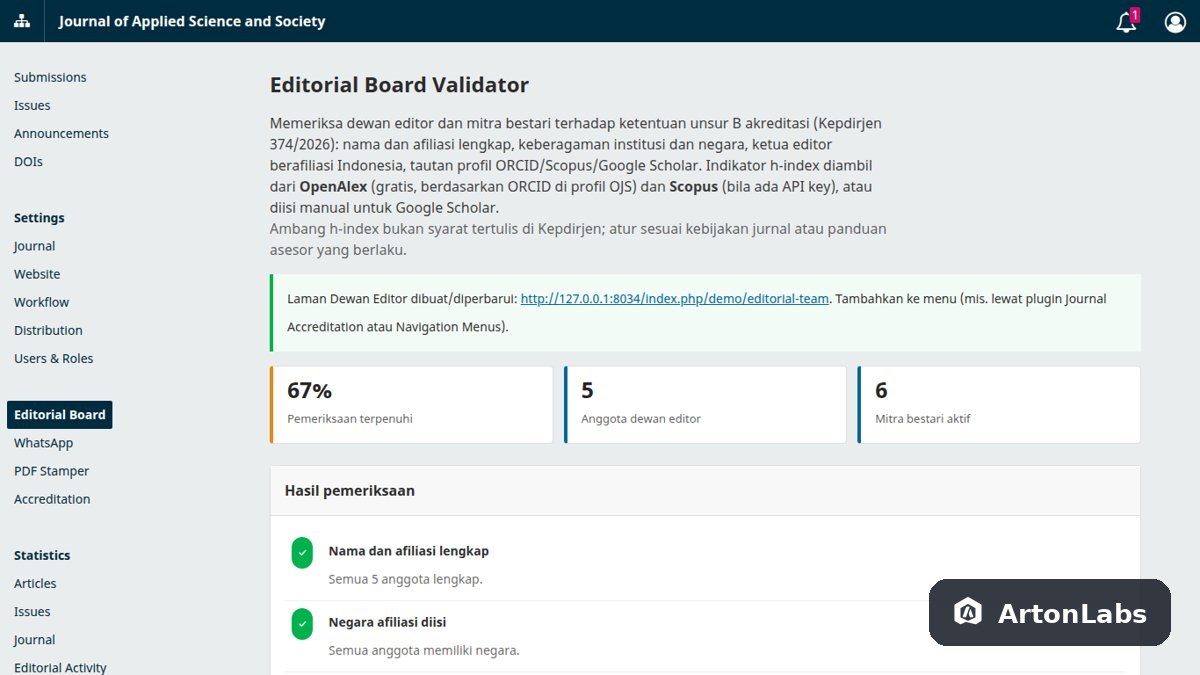
Editorial Board Validator – OJS Plugin
Following year /year* *Estimate; it may vary with usage, such as storage capacity and more.
Prices include tax.
- Easy Installation Upload ZIP from the Open Journal Systems dashboard.
- Integrated Works directly in Open Journal Systems.
- Official License License key and version updates.
- Support Installation support from our team.
The accreditation element B (Kepdirjen 374/2026) assesses the editorial board and peer reviewers: complete affiliations, diversity of institutions and countries, and an editor-in-chief affiliated with Indonesia. Checking these one by one from user profiles is easy to overlook. This plugin reads the editorial board and reviewer data in OJS, then shows which items have been met and which need fixing.
Highlights
- Checks according to the regulations. Complete names and affiliations, country filled in, diversity of institutions and countries, editor-in-chief affiliated with Indonesia, as well as ORCID, Scopus, or Google Scholar profile links.
- Active peer reviewers. The number of reviewers, institutions, and countries is calculated from completed reviews within the year range you specify.
- h-index without retyping. OpenAlex is free and read from ORCID in the OJS profile. Scopus is optional with an Elsevier API key. Google Scholar h-index is filled in manually because there is no API.
- h-index threshold according to journal policy. This threshold is optional because it is not a written requirement. Fill in 0 if you do not want it assessed.
- Automatic Editorial Board page. The plugin creates or updates an "Editorial Board" page grouped by role, complete with affiliation, country, and profile links. Manually created pages will not be overwritten.
- CSV export. Download the list of editorial board members and reviewers for submission files or archives.
- One data source. Names, affiliations, countries, and ORCID are taken from OJS user profiles, so fixes only need to be made in Users & Roles.
How it works
- In Settings, select the user groups that belong to the editorial board, the Editor-in-Chief group, the active reviewer year range, and, if available, the Scopus API key.
- Press Update indicators to fetch the h-index from OpenAlex or Scopus. If the time limit is reached, press again to continue.
- Read the Check results, then complete the affiliation or country of the flagged members.
- Create the Editorial Board page and add it to the journal menu.
Suitable for
- Journals preparing a submission or reaccreditation.
- Managers who want to ensure editorial board diversity before assessors evaluate it.
- Journals that want their Editorial Board page to always match the data in OJS.
What you get
- A ready-to-install ZIP file along with installation instructions.
- A license key for one site, valid for all journals in that OJS installation.
- Version updates and technical support for one year (according to the Purchase Terms).
Good to know
- The Scopus Author API generally only responds from the network of Scopus subscriber institutions.
- The existence of a separate peer reviewer page is only checked. That page is created via the Journal Accreditation plugin.
- Runs on
- Open Journal Systems 3.3, 3.4 and 3.5
- Package type
- Generic plugin
- Required permissions
- Site administrator
- How to Install
- Upload ZIP via OJS Dashboard › Site Settings › Plugins › Upload A New Plugin.
- Version
- 1.3.0.0
- Plugin class
- BoardValidatorPlugin
- Folder name
- boardValidator
- Download size
- 80 KB
- Format
- ZIP
- Published
- 2026-11-13
- Updated
- 2026-11-13
Files can be downloaded after payment is confirmed.
You May Also Like
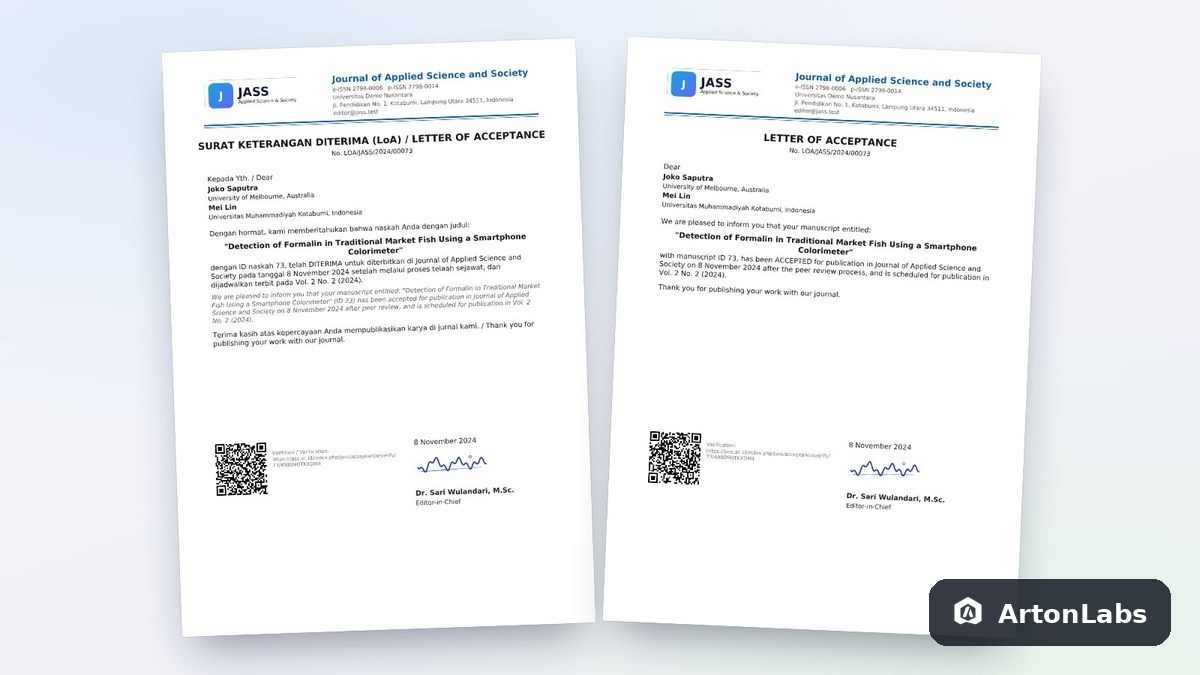
Letter of Acceptance (LoA) – OJS Plugin
Setiap naskah diterima, pengelola jurnal biasanya menyusun Letter of Acceptance (LoA) satu …
View Details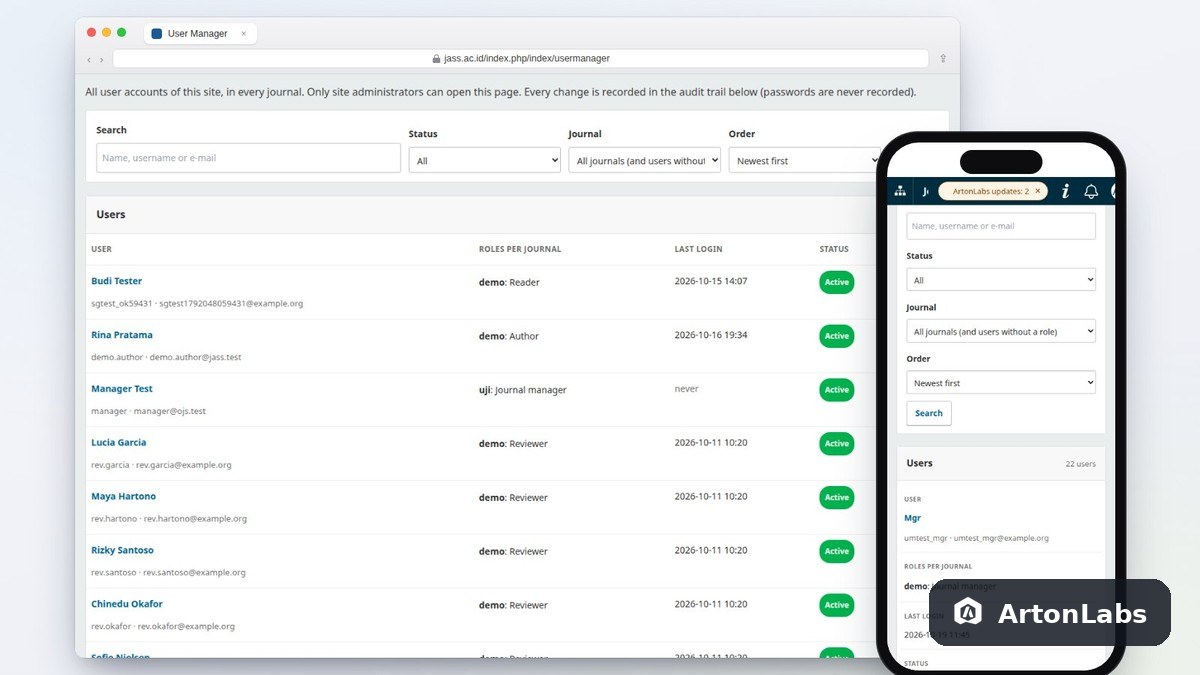
User Manager (ArtonLabs) – OJS Plugin
Di OJS 3.5, menu Users & Roles berubah: tombol Edit kini membuka …
View Details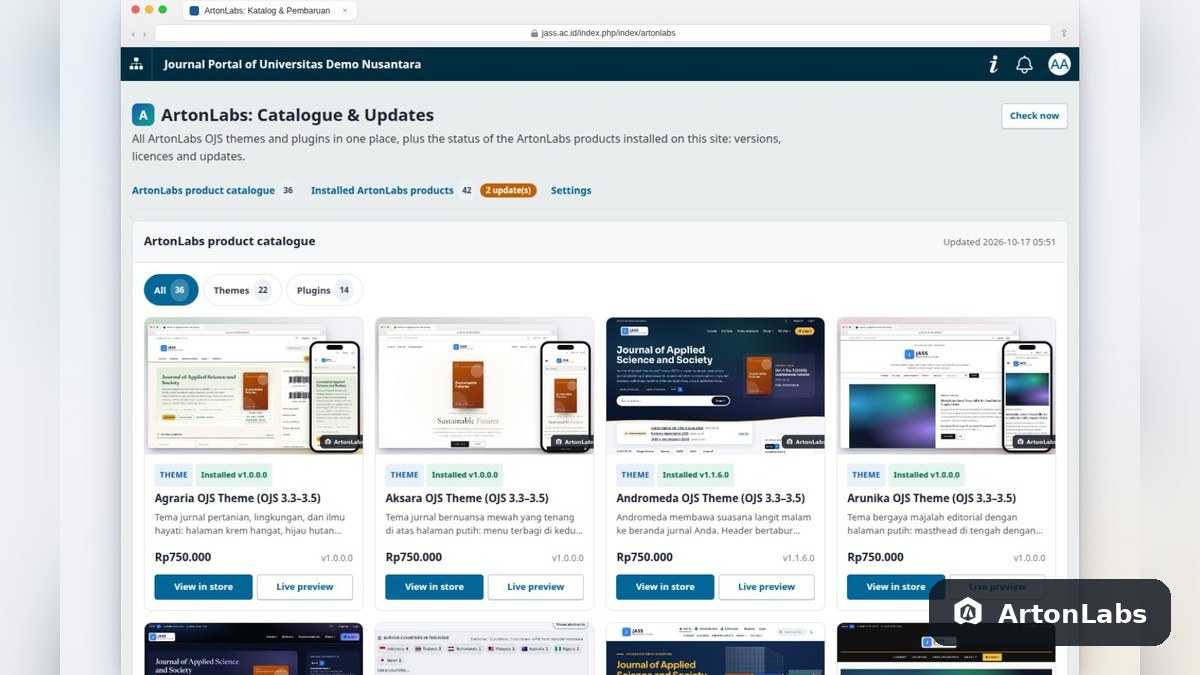
ArtonLabs: Catalogue & Updates – OJS Plugin
Plugin gratis dari ArtonLabs: katalog semua tema dan plugin OJS ArtonLabs (tautan …
View Details
Author Country & Flags – OJS Plugin
Keragaman penulis termasuk yang dinilai saat akreditasi, tetapi merekap asal negara penulis …
View Details