Journal Accreditation (Indonesia) – OJS Plugin
Following year /year* *Estimate; it may vary with usage, such as storage capacity and more.
Prices include tax.
- Easy Installation Upload ZIP from the Open Journal Systems dashboard.
- Integrated Works directly in Open Journal Systems.
- Official License License key and version updates.
- Support Installation support from our team.
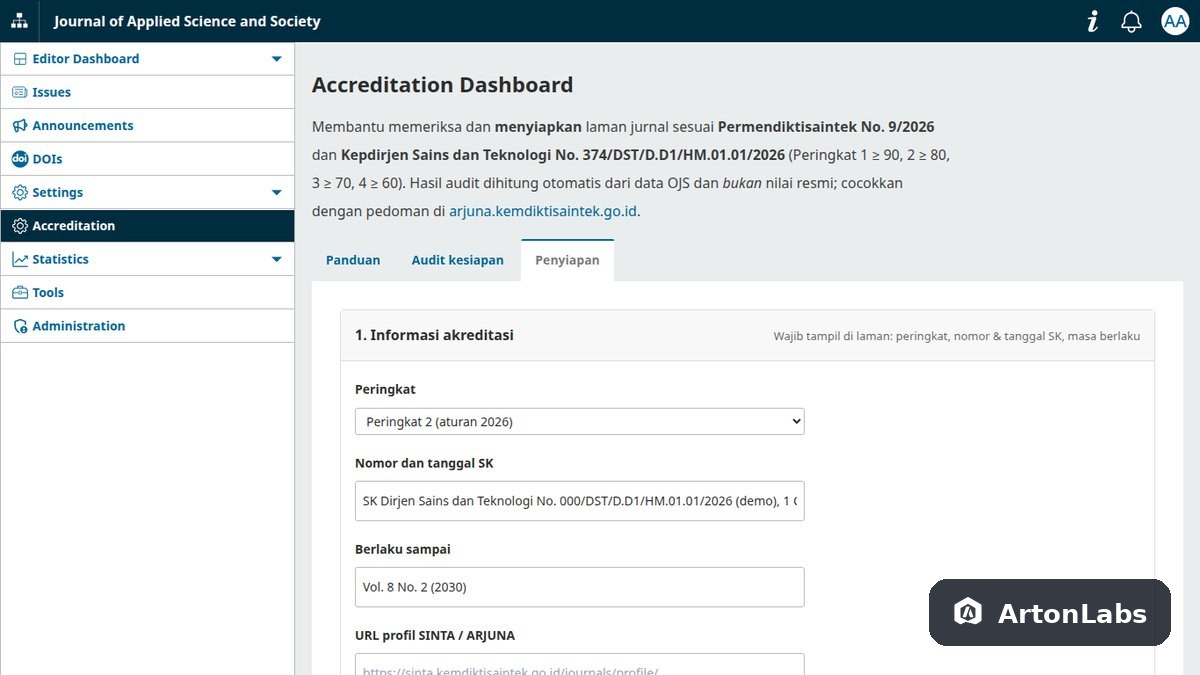
Journal accreditation under Permendiktisaintek 9/2026 and Kepdirjen 374/2026 assesses many items, from e-ISSN and periodicity to the completeness of policy pages. Managers often only find out something is missing after the submission has been assessed. This plugin calculates journal readiness from OJS data, prepares the required pages, and shows what needs to be fixed.
Highlights
- Readiness audit with 35 checks. Grouped by initial requirements and elements A through E, such as valid e-ISSN, publication age, articles per issue, DOI coverage, evidence of review in OJS, and author diversity. Red must be fixed, yellow is recommended, gray is assessed by the assessor.
- EN/ID policy page templates. Peer review, publication ethics, AI policy, publication fees, open access and licensing, data availability, plagiarism, archiving, and corrections and retractions. Fields marked with [[ ]] are flagged until you edit them.
- Automatic reviewer page. Compiled from completed reviews in OJS, while also serving as evidence that review takes place in the system. Certain names or ORCIDs can be hidden from the public page.
- COPE transparency clause. The plugin detects 16 clauses on policy pages and provides an estimated score.
- Accreditation information on the site. Store the ranking, decree number and date, validity period, and SINTA profile. Both rankings 1–4 under the new rules and SINTA 1–6 under the old rules are supported.
- Blocks, menus, and themes. Create a "Journal Information" sidebar block, a "Policy" menu in the main navigation, or apply it to the OJS Theme Kit theme with one button.
- Does not overwrite your work. Pages and blocks not created by this plugin are never overwritten.
How it works
- Open the Accreditation menu in the OJS admin sidebar and follow the Guide tab. Initial setup takes about 30 minutes.
- See the readiness audit tab to find out the journal's condition per assessment element.
- In the Setup tab, fill in accreditation information, create policy pages that do not yet exist, and build the reviewer page.
- Edit text marked with [[ ]], install blocks and menus, then run the audit again.
Suitable for
- Journals applying for accreditation for the first time.
- Accredited journals preparing for reaccreditation under the 2026 rules.
- Companions for many journals in one campus OJS.
What you get
- A ready-to-install ZIP file along with installation instructions.
- A license key for one site, valid for all journals in that OJS installation.
- Version updates and technical support for one year (subject to the Purchase Terms).
Good to know
- The audit is a preparation tool, not an official assessment. Indexing, article substance, and galley content are still assessed by the assessor.
- The sidebar block requires the Custom Block Manager plugin.
- Runs on
- Open Journal Systems 3.3, 3.4 and 3.5
- Package type
- Generic plugin
- Required permissions
- Site administrator
- How to Install
- Upload ZIP via OJS Dashboard › Site Settings › Plugins › Upload A New Plugin.
- Version
- 1.3.0.0
- Plugin class
- JournalAccreditationPlugin
- Folder name
- journalAccreditation
- Download size
- 152 KB
- Format
- ZIP
- Published
- 2026-11-13
- Updated
- 2026-11-13
Files can be downloaded after payment is confirmed.
You May Also Like
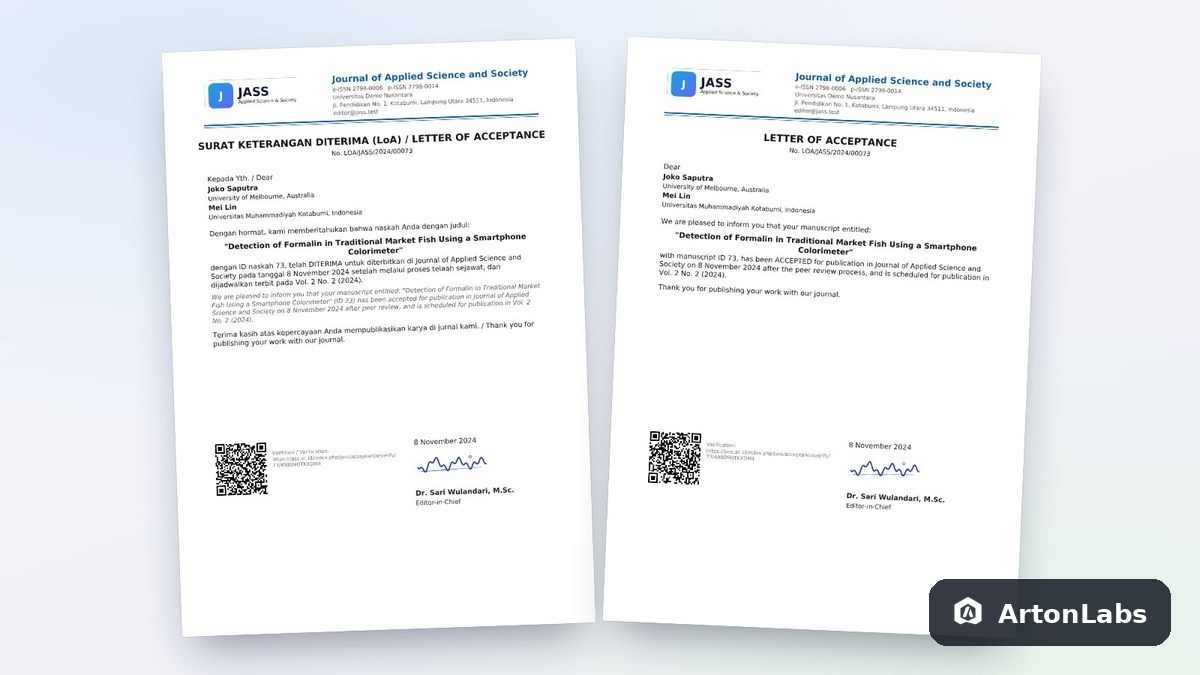
Letter of Acceptance (LoA) – OJS Plugin
Setiap naskah diterima, pengelola jurnal biasanya menyusun Letter of Acceptance (LoA) satu …
View Details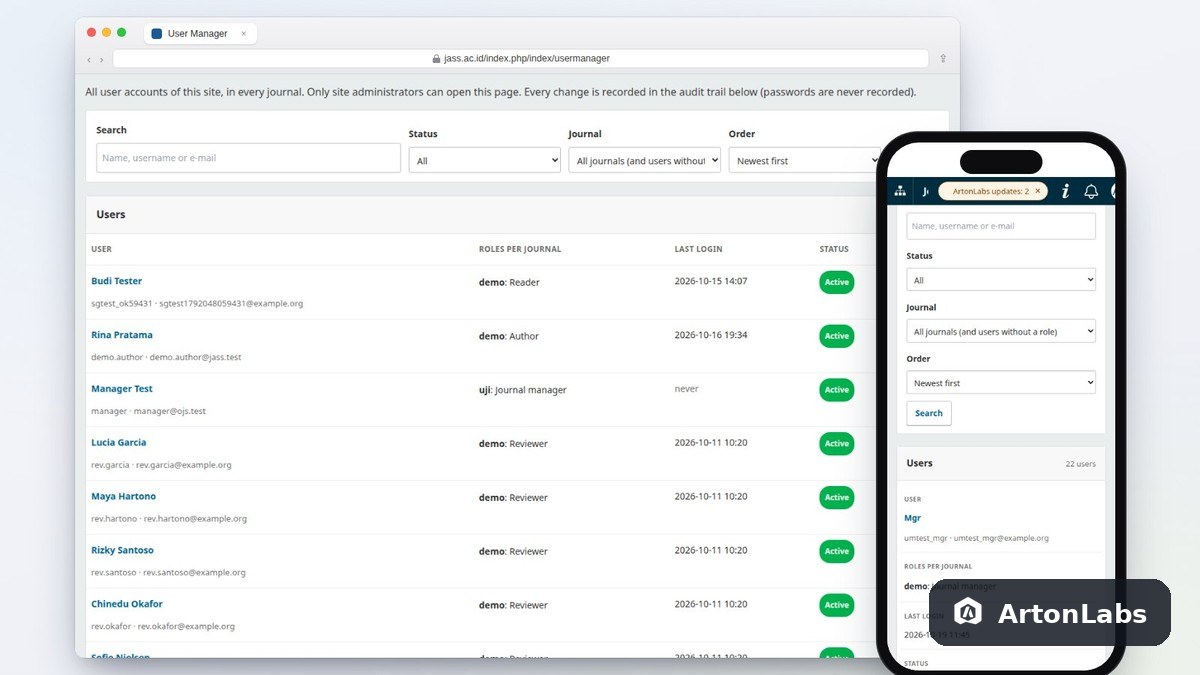
User Manager (ArtonLabs) – OJS Plugin
Di OJS 3.5, menu Users & Roles berubah: tombol Edit kini membuka …
View Details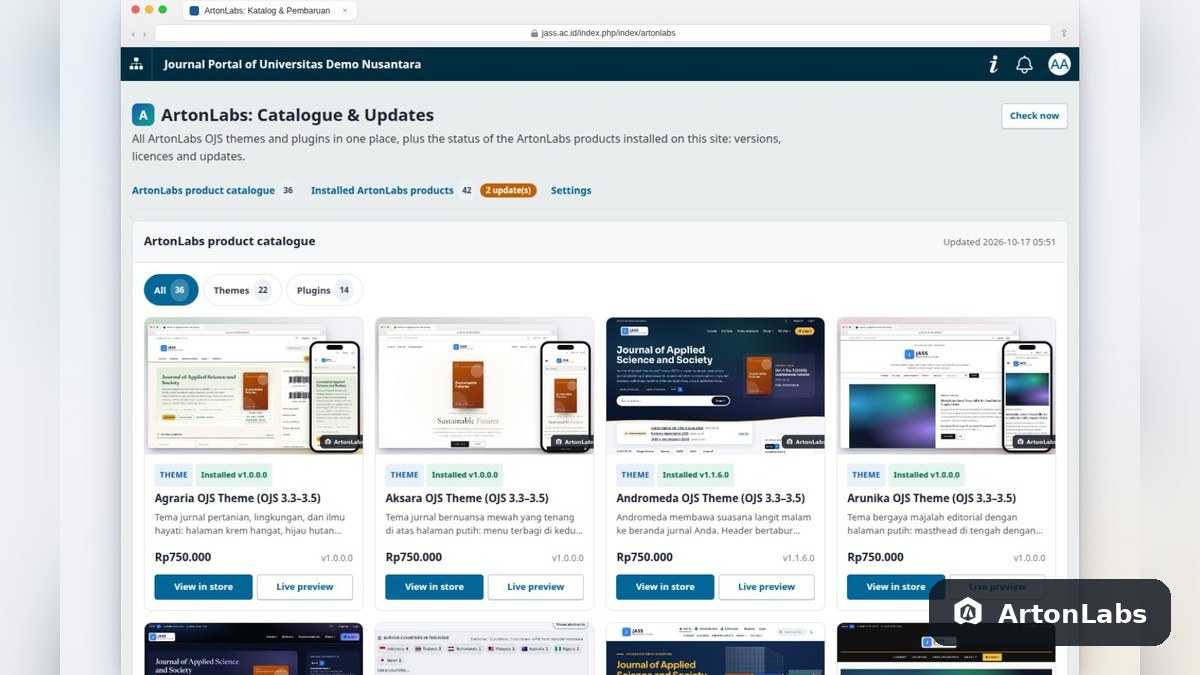
ArtonLabs: Catalogue & Updates – OJS Plugin
Plugin gratis dari ArtonLabs: katalog semua tema dan plugin OJS ArtonLabs (tautan …
View Details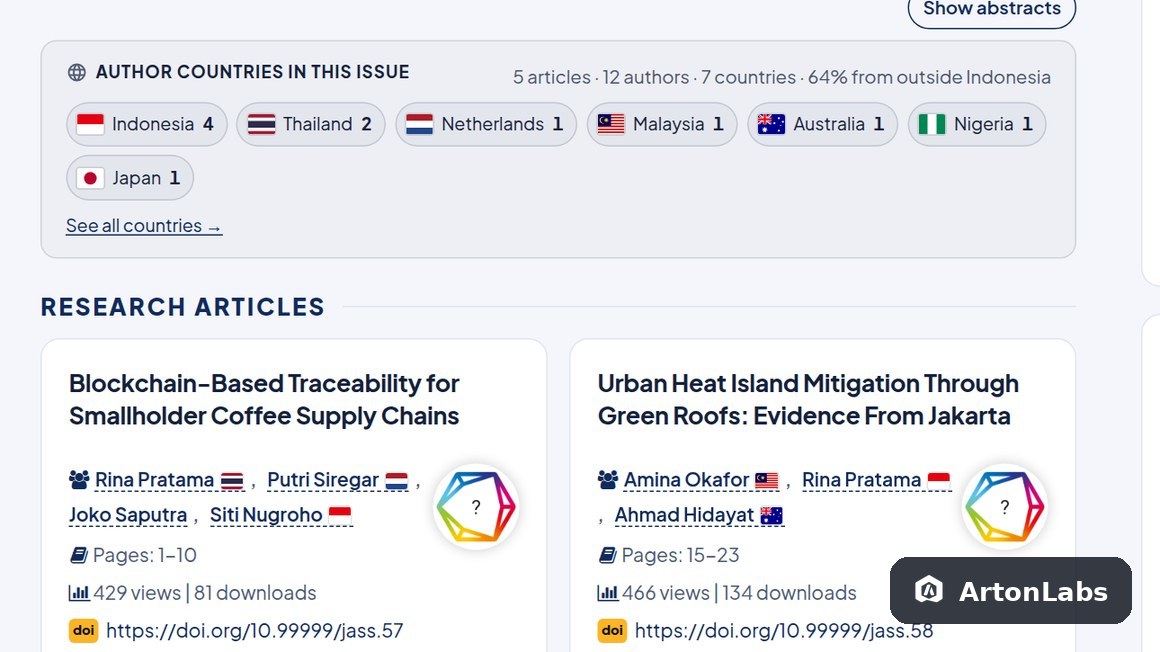
Author Country & Flags – OJS Plugin
Keragaman penulis termasuk yang dinilai saat akreditasi, tetapi merekap asal negara penulis …
View Details