
Galley PDF Stamper – OJS Plugin
Following year /year* *Estimate; it may vary with usage, such as storage capacity and more.
Prices include tax.
- Easy Installation Upload ZIP from the Open Journal Systems dashboard.
- Integrated Works directly in Open Journal Systems.
- Official License License key and version updates.
- Support Installation support from our team.
The cover page, running head, and footer are part of the galley content checked by accreditation assessors (Kepdirjen 374/2026). Editing the PDF of each article one by one takes time and the results are often inconsistent. This plugin adds all of them when the reader downloads the galley, using data pulled directly from OJS.
Highlights
- Automatic cover page. Contains the journal logo and identity, volume and number, title, authors with affiliations and ORCID, DOI, Received, Revised, Accepted, and Published dates, CC license, and APA-style citation.
- Running head and footer. Every page contains the journal name, volume and number, page, ISSN, DOI, license, and page number.
- Always consistent with the article page. Data is pulled from OJS. The Revised date comes from the revision file, and the Accepted date from the editor's decision.
- Original files are not modified. The stamped result is stored separately and regenerated automatically when metadata, settings, or files change. The original file can still be retrieved from the dashboard.
- Download statistics are still recorded. Stamped PDF downloads are counted exactly like regular downloads.
- Test all galleys at once. The PDF Stamper dashboard displays a list of galleys with previews and checks them all in stages with a progress indicator.
- Matches the journal style. Set the accent color and footer note, such as accreditation status. The cover page uses the journal's primary language, English or Indonesian.
How it works
- The Journal Manager opens the PDF Stamper menu, enables stamping, then selects the elements to use.
- Press Test all galleys to see which galleys can be stamped and which are served as-is.
- Readers download the galley as usual and immediately receive the stamped PDF.
Suitable for
- Journals preparing for accreditation that want their galleys to be uniform.
- Journals with many old issue archives that do not yet have a cover page.
- Managers who want the DOI and citation to appear in every PDF.
What you get
- A ready-to-install ZIP file along with installation instructions.
- A license key for one site, valid for all journals in that OJS installation.
- Version updates and technical support for one year (subject to the Purchase Terms).
Good to know
- Internal links, bookmarks, and form fields in the original PDF are not carried over. Text and layout remain intact.
- PDF 1.5 and above with xref streams require Ghostscript on the server. Without Ghostscript, the original file is served and the dashboard flags it.
- Runs on
- Open Journal Systems 3.3, 3.4 and 3.5
- Package type
- Generic plugin
- Required permissions
- Site administrator
- How to Install
- Upload ZIP via OJS Dashboard › Site Settings › Plugins › Upload A New Plugin.
- Version
- 1.3.0.0
- Plugin class
- PdfStamperPlugin
- Folder name
- pdfStamper
- Download size
- 2.1 MB
- Format
- ZIP
- Published
- 2026-11-13
- Updated
- 2026-11-13
Files can be downloaded after payment is confirmed.
You May Also Like

Letter of Acceptance (LoA) – OJS Plugin
Setiap naskah diterima, pengelola jurnal biasanya menyusun Letter of Acceptance (LoA) satu …
View Details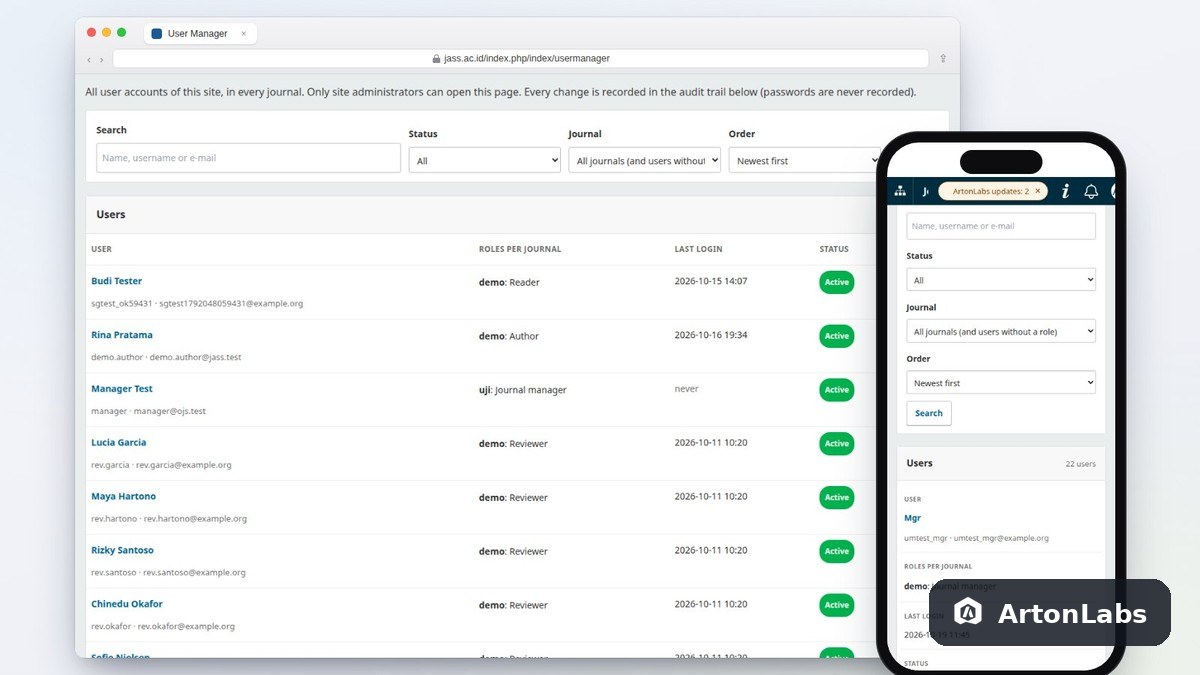
User Manager (ArtonLabs) – OJS Plugin
Di OJS 3.5, menu Users & Roles berubah: tombol Edit kini membuka …
View Details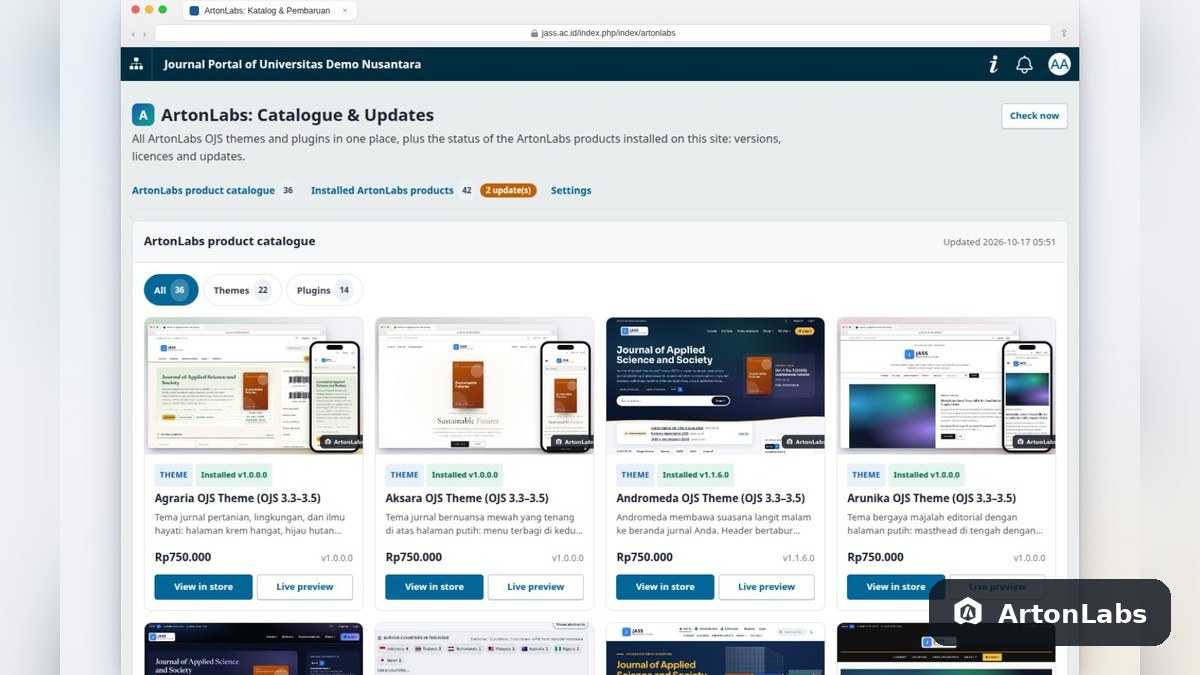
ArtonLabs: Catalogue & Updates – OJS Plugin
Plugin gratis dari ArtonLabs: katalog semua tema dan plugin OJS ArtonLabs (tautan …
View Details
Author Country & Flags – OJS Plugin
Keragaman penulis termasuk yang dinilai saat akreditasi, tetapi merekap asal negara penulis …
View Details