
Reviewer Certificate & Recognition – OJS Plugin
Following year /year* *Estimate; it may vary with usage, such as storage capacity and more.
Prices include tax.
- Easy Installation Upload ZIP from the Open Journal Systems dashboard.
- Integrated Works directly in Open Journal Systems.
- Official License License key and version updates.
- Support Installation support from our team.
Reviewers need proof of performance for BKD or SISTER, and journal managers often create their certificates one by one. Their authenticity is also difficult to prove. This plugin issues a certificate for each completed review and an annual award certificate, which reviewers can download themselves and anyone can verify.
Highlights
- Certificate per review. A4 landscape PDF containing the journal's logo and identity, document number, reviewer's name and affiliation, manuscript ID, completion date, and editor-in-chief's signature.
- Annual award certificate. Each reviewer receives a certificate listing the number of reviews they completed during the year.
- Reviewers download it themselves. Reviewers open the Reviewer Certificate menu and can only download their own documents. Managers don't need to send them one by one.
- Verification via QR code. A public verification page displays "Valid document" along with the recipient's name, and forged codes are rejected.
- Maintains blinded review. By default, only the manuscript ID is included. The manuscript title only appears if you enable it.
- Summary for editors. Editors and Journal Managers see all reviews per year and all certificates.
- Matches the journal's identity. Configure the signatory and position, signature image, number prefix, language (Indonesian, English, or both), and color.
How it works
- The Journal Manager fills in the document settings: signatory, signature image, number prefix, and language.
- The reviewer completes the review in OJS as usual. The certificate is immediately available.
- The reviewer opens the Reviewer Certificate menu, then downloads the certificate per review and the annual certificate.
- The party receiving the document scans the QR code to confirm its authenticity.
Suitable for
- Journals that want to give real appreciation to peer reviewers.
- Reviewers who are lecturers and need proof of review for BKD or SISTER.
- Journals with many reviewers from outside the institution.
What you get
- A ready-to-install ZIP file along with installation instructions.
- A license key for one site, valid for all journals in that OJS installation.
- Version updates and technical support for one year (subject to the Purchase Terms).
- Runs on
- Open Journal Systems 3.3, 3.4 and 3.5
- Package type
- Generic plugin
- Required permissions
- Site administrator
- How to Install
- Upload ZIP via OJS Dashboard › Site Settings › Plugins › Upload A New Plugin.
- Version
- 1.2.0.0
- Plugin class
- ReviewerCertificatePlugin
- Folder name
- reviewerCertificate
- Download size
- 2.1 MB
- Format
- ZIP
- Published
- 2026-11-13
- Updated
- 2026-11-13
Files can be downloaded after payment is confirmed.
You May Also Like
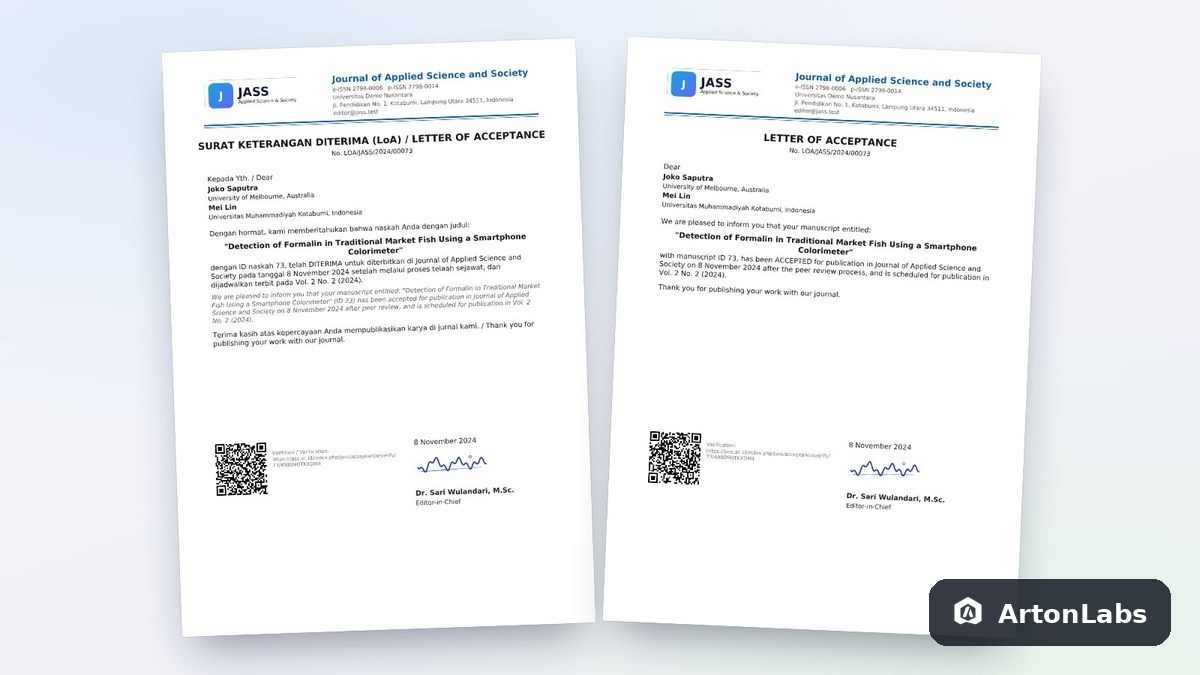
Letter of Acceptance (LoA) – OJS Plugin
Setiap naskah diterima, pengelola jurnal biasanya menyusun Letter of Acceptance (LoA) satu …
View Details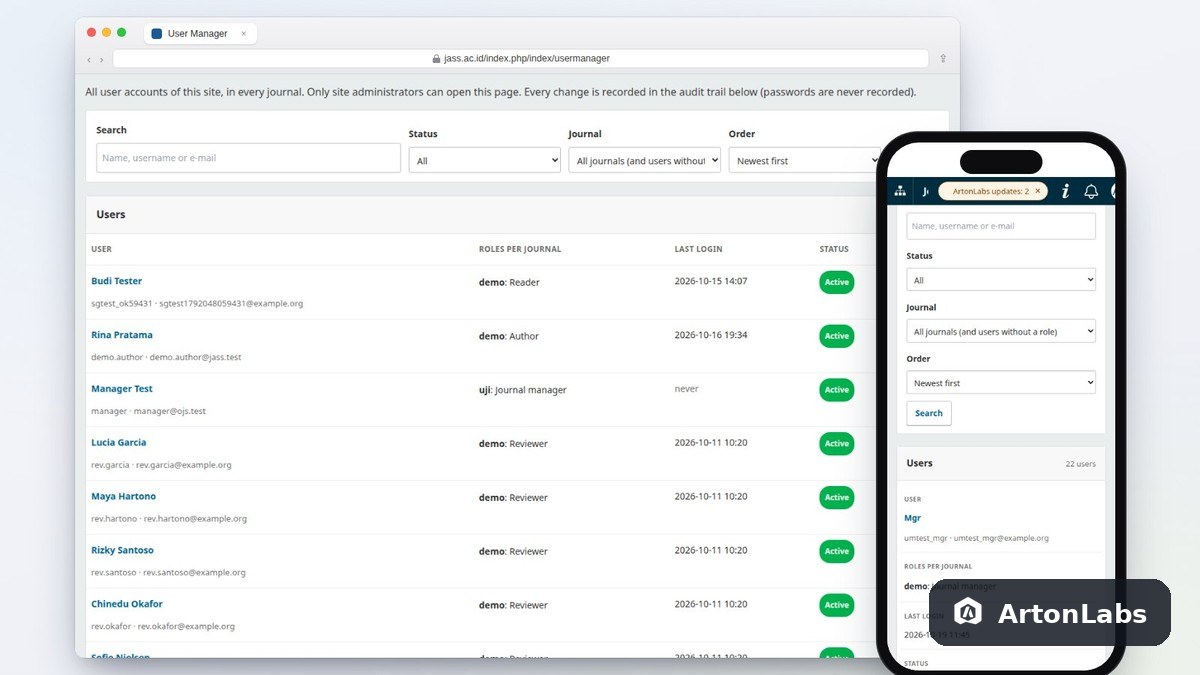
User Manager (ArtonLabs) – OJS Plugin
Di OJS 3.5, menu Users & Roles berubah: tombol Edit kini membuka …
View Details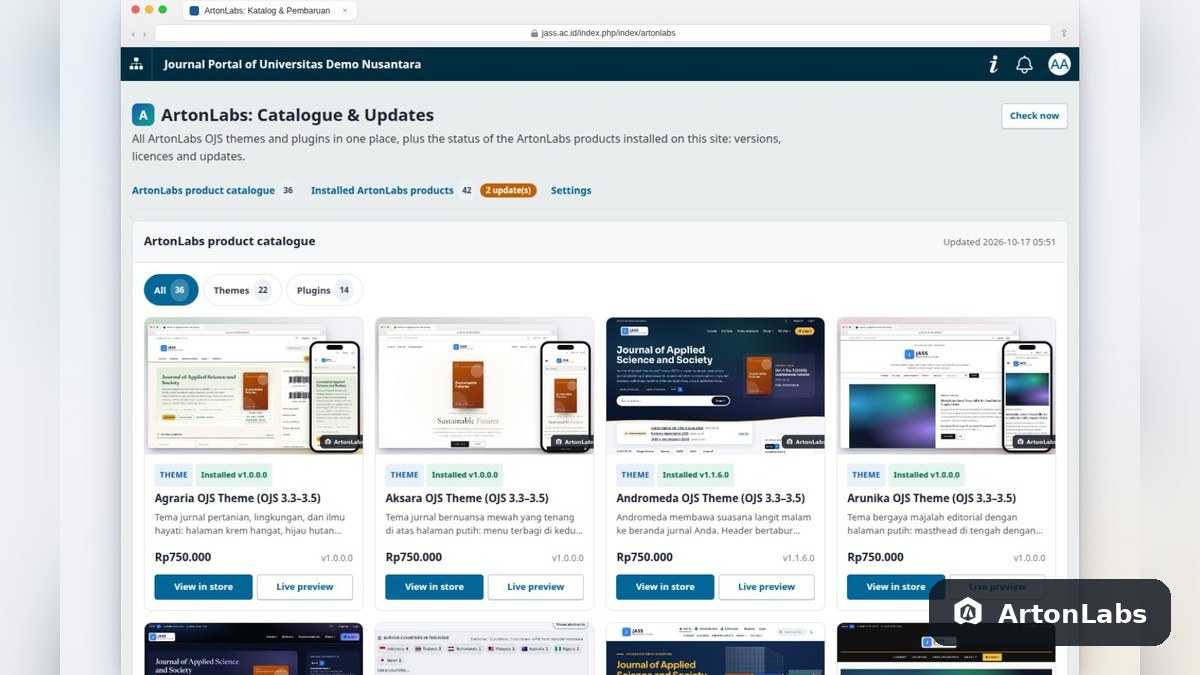
ArtonLabs: Catalogue & Updates – OJS Plugin
Plugin gratis dari ArtonLabs: katalog semua tema dan plugin OJS ArtonLabs (tautan …
View Details
Author Country & Flags – OJS Plugin
Keragaman penulis termasuk yang dinilai saat akreditasi, tetapi merekap asal negara penulis …
View Details