Local Similarity Check – OJS Plugin
Following year /year* *Estimate; it may vary with usage, such as storage capacity and more.
Prices include tax.
- Easy Installation Upload ZIP from the Open Journal Systems dashboard.
- Integrated Works directly in Open Journal Systems.
- Official License License key and version updates.
- Support Installation support from our team.
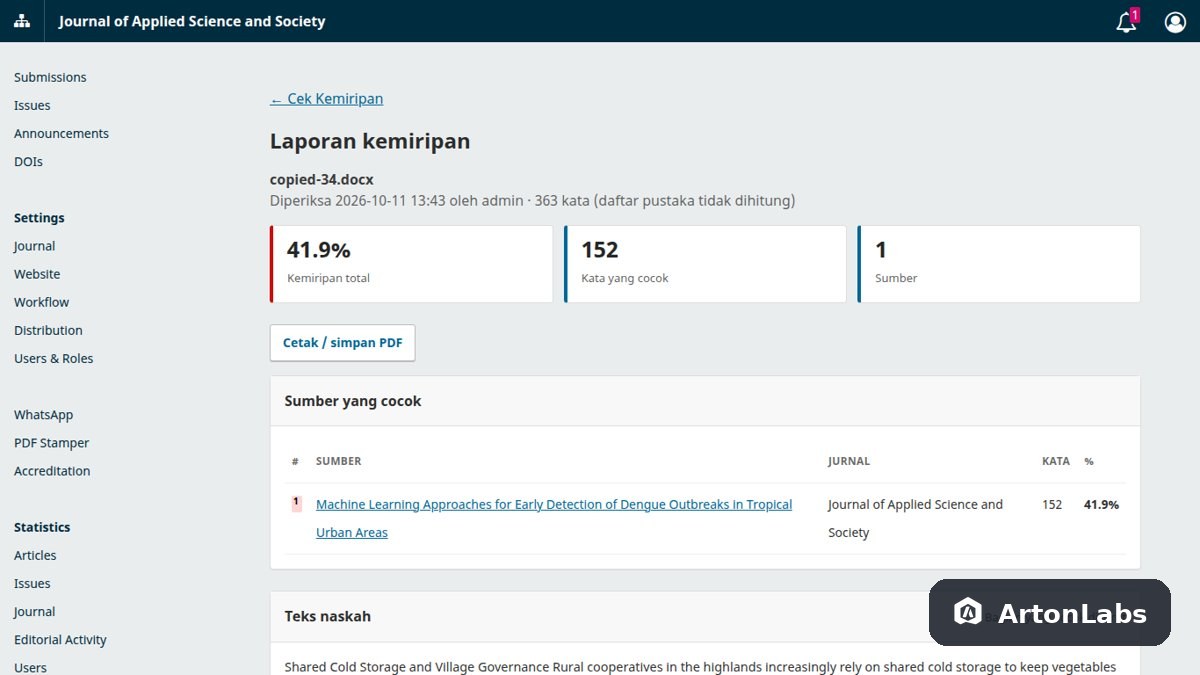
In a university OJS hosting many journals, the same manuscript is sometimes already published in another journal on the same server, or recycles text from earlier articles. This plugin compares manuscripts against manuscripts and articles in your OJS, then stores a highlighted report as screening evidence before the manuscript is sent to reviewers.
Highlights
- Full-text comparison. Titles, abstracts, and the full text of PDF, DOCX, ODT, or TXT files are compared using five-word fingerprints. Reference lists are not counted.
- Scope you define. Compare against this journal only, or add published articles from other journals on the same OJS. Unpublished manuscripts from other journals are never compared or displayed.
- Highlighted report. The report contains the total similarity percentage, matching sources, and the manuscript text with matching passages highlighted and numbered according to their source. The report can be printed or saved as PDF.
- Check one or all at once. Check per manuscript, run "Check unchecked" in batches with a progress indicator, or upload an ad hoc file.
- Honest results. Manuscripts whose text cannot be read, such as scanned PDFs, are given the status "Insufficient text", not 0%.
- Warning and high thresholds. The Journal Manager sets the percentage thresholds for flagging manuscripts.
- Role-based access. Journal Managers see all manuscripts and reports, while Section Editors only see manuscripts assigned to them.
How it works
- The Journal Manager selects the comparison scope and the warning and high thresholds.
- The Editor opens the Similarity Check menu and checks manuscripts one by one or all at once.
- The plugin builds a fingerprint index, compares, then displays a highlighted report.
- The Editor prints or saves the report as screening evidence, then forwards the manuscript to reviewers.
Suited for
- University OJS hosting many journals.
- Journals that want to screen for duplicate manuscripts and self-plagiarism before review.
- Editors who need written screening evidence for every manuscript.
What you get
- A ready-to-install ZIP file along with installation instructions.
- A license key for one site, valid for all journals in that OJS installation.
- Version updates and technical support for one year (subject to the Purchase Terms).
Good to know
- This plugin does not check the internet or other publishers' databases. For that, continue using Turnitin or iThenticate and attach the results to the manuscript workflow.
- Scanned PDFs without a text layer cannot be read.
- Runs on
- Open Journal Systems 3.3, 3.4 and 3.5
- Package type
- Generic plugin
- Required permissions
- Site administrator
- How to Install
- Upload ZIP via OJS Dashboard › Site Settings › Plugins › Upload A New Plugin.
- Version
- 1.2.0.0
- Plugin class
- SimilarityCheckPlugin
- Folder name
- similarityCheck
- Download size
- 2.2 MB
- Format
- ZIP
- Published
- 2026-11-13
- Updated
- 2026-11-13
Files can be downloaded after payment is confirmed.
You May Also Like
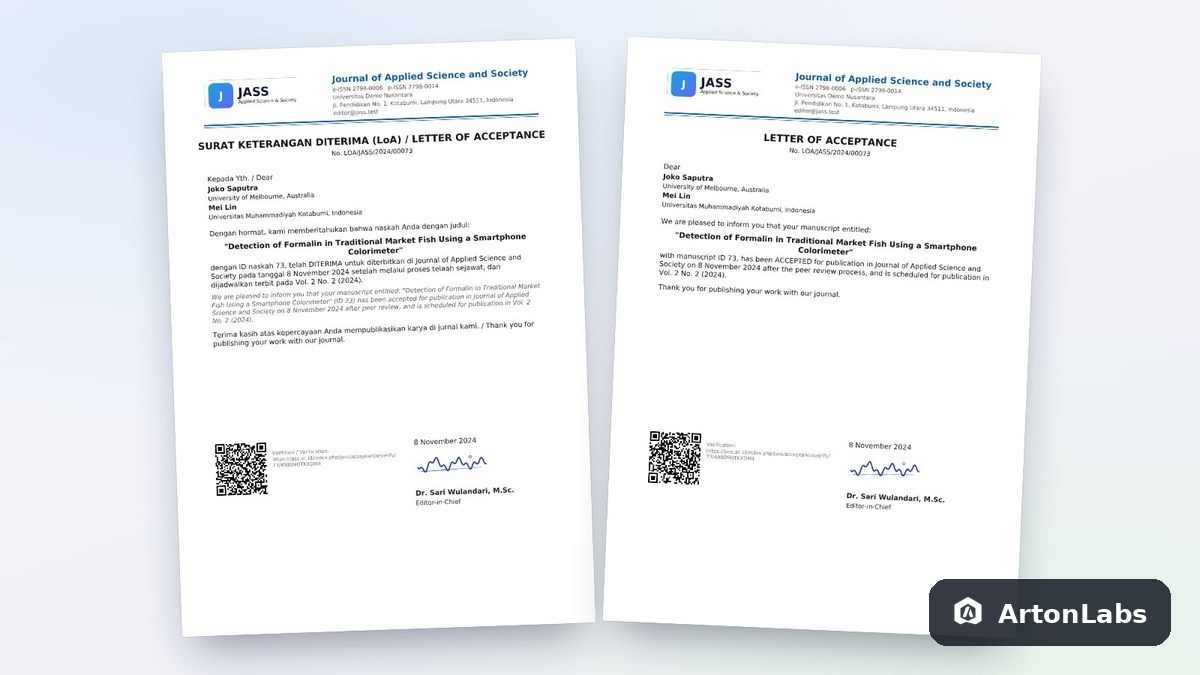
Letter of Acceptance (LoA) – OJS Plugin
Setiap naskah diterima, pengelola jurnal biasanya menyusun Letter of Acceptance (LoA) satu …
View Details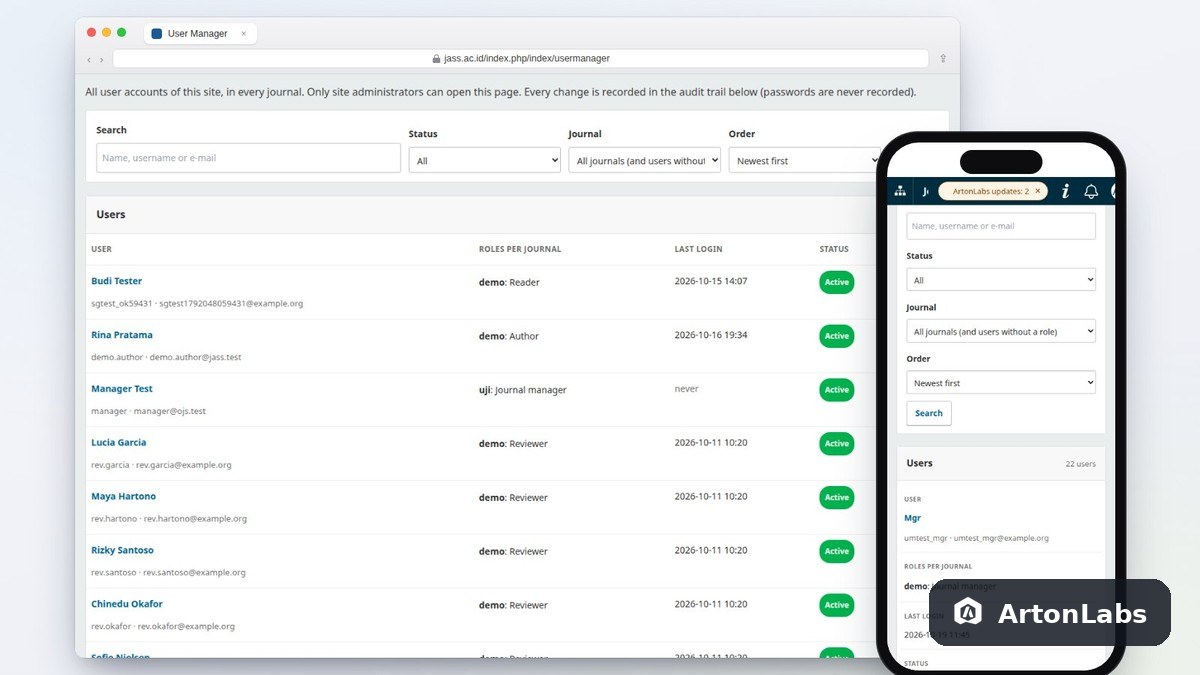
User Manager (ArtonLabs) – OJS Plugin
Di OJS 3.5, menu Users & Roles berubah: tombol Edit kini membuka …
View Details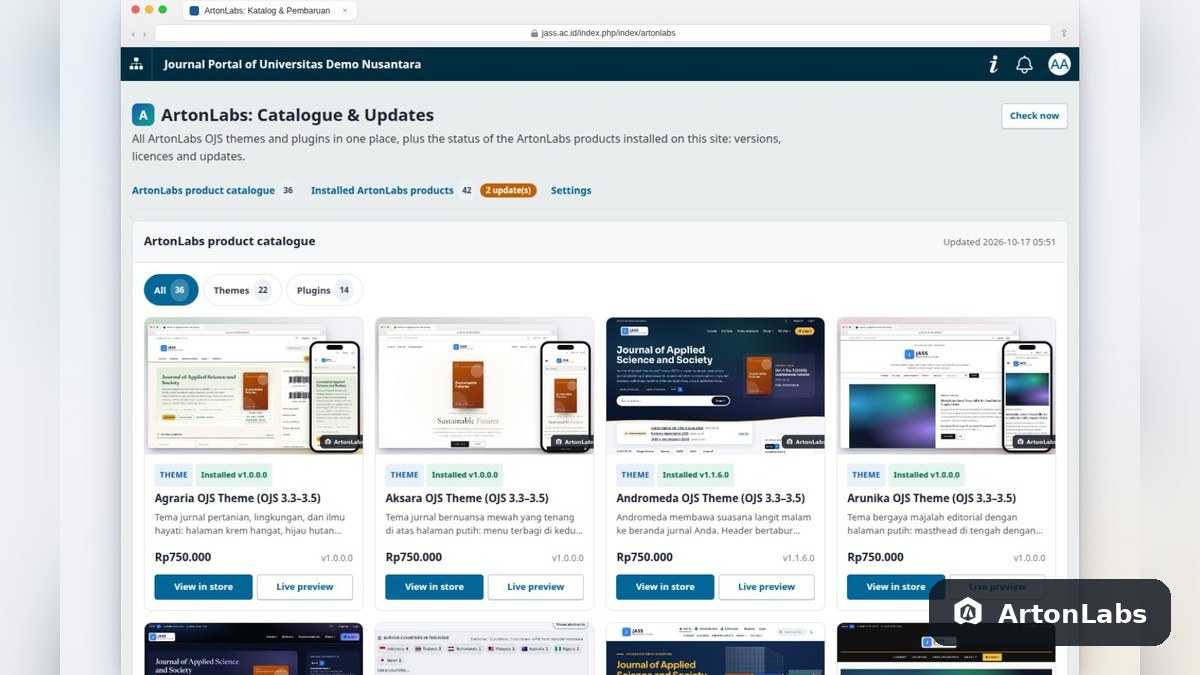
ArtonLabs: Catalogue & Updates – OJS Plugin
Plugin gratis dari ArtonLabs: katalog semua tema dan plugin OJS ArtonLabs (tautan …
View Details
Author Country & Flags – OJS Plugin
Keragaman penulis termasuk yang dinilai saat akreditasi, tetapi merekap asal negara penulis …
View Details