SINTA & Garuda Connector – OJS Plugin
Following year /year* *Estimate; it may vary with usage, such as storage capacity and more.
Prices include tax.
- Easy Installation Upload ZIP from the Open Journal Systems dashboard.
- Integrated Works directly in Open Journal Systems.
- Official License License key and version updates.
- Support Installation support from our team.
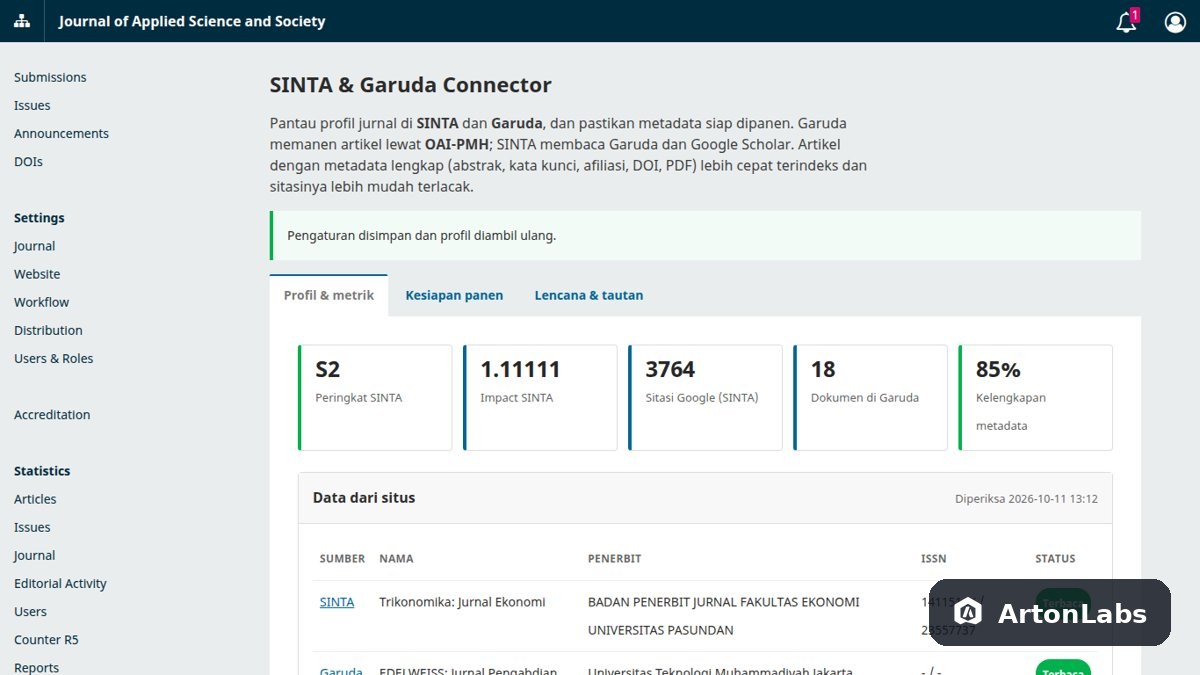
Monitoring rankings and citations means going back and forth between SINTA and Garuda. Meanwhile, articles can fail to be harvested by Garuda without being noticed because of OAI issues or incomplete metadata. This plugin collects metrics from both sites in the OJS backend and checks harvest readiness, article by article.
Highlights
- Profile and metrics in one menu. From SINTA: ranking, impact, Google citations, ISSN, and publisher. From Garuda: document count, ISSN, and publisher. The profile ID only needs to be entered once.
- Manual entry as a fallback. If SINTA data cannot be read, manual metrics are used. Rankings 1–4 and the old S1–S6 scheme are both supported.
- Check the OAI-PMH endpoint. The endpoint is checked as Garuda sees it: Identify, number of records, and Dublin Core elements.
- Metadata completeness per article. Abstract of at least 150 words, at least three keywords, author affiliation, DOI, references, PDF galley, pages, and license, displayed as a percentage per element.
- List of articles that need to be completed. Articles with a score below 100% appear newest first, with links to their submission workflow.
- "Indexed in" block. The plugin creates a sidebar block containing links to the SINTA profile with ranking, Garuda, and Google Scholar.
How it works
- The Journal Manager or Section Editor opens the SINTA & Garuda menu, then enters the journal's SINTA, Garuda, and Google Scholar profile ID or URL.
- Press Save & fetch data to see the latest metrics.
- On the Harvest readiness tab, press Check OAI now and complete articles whose scores are not yet full.
- On the Badges & links tab, create a sidebar block and update it again after the ranking changes.
Suitable for
- Accredited journals that want to monitor their ranking and citations.
- Journals that have just registered with Garuda and want to ensure their articles are harvested.
- Managers who often receive complaints that articles do not appear in Garuda.
What you get
- A ready-to-install ZIP file along with installation instructions.
- A license key for one site, valid for all journals in that OJS installation.
- Version updates and technical support for one year (subject to the Purchase Terms).
Good to know
- Not affiliated with Kemdiktisaintek.
- SINTA and Garuda do not provide an official API. Data fetching reads public pages and may stop working if the site layout changes.
- The sidebar block requires the Custom Block Manager plugin.
- Runs on
- Open Journal Systems 3.3, 3.4 and 3.5
- Package type
- Generic plugin
- Required permissions
- Site administrator
- How to Install
- Upload ZIP via OJS Dashboard › Site Settings › Plugins › Upload A New Plugin.
- Version
- 1.2.0.0
- Plugin class
- SintaConnectorPlugin
- Folder name
- sintaConnector
- Download size
- 91 KB
- Format
- ZIP
- Published
- 2026-11-13
- Updated
- 2026-11-13
Files can be downloaded after payment is confirmed.
You May Also Like
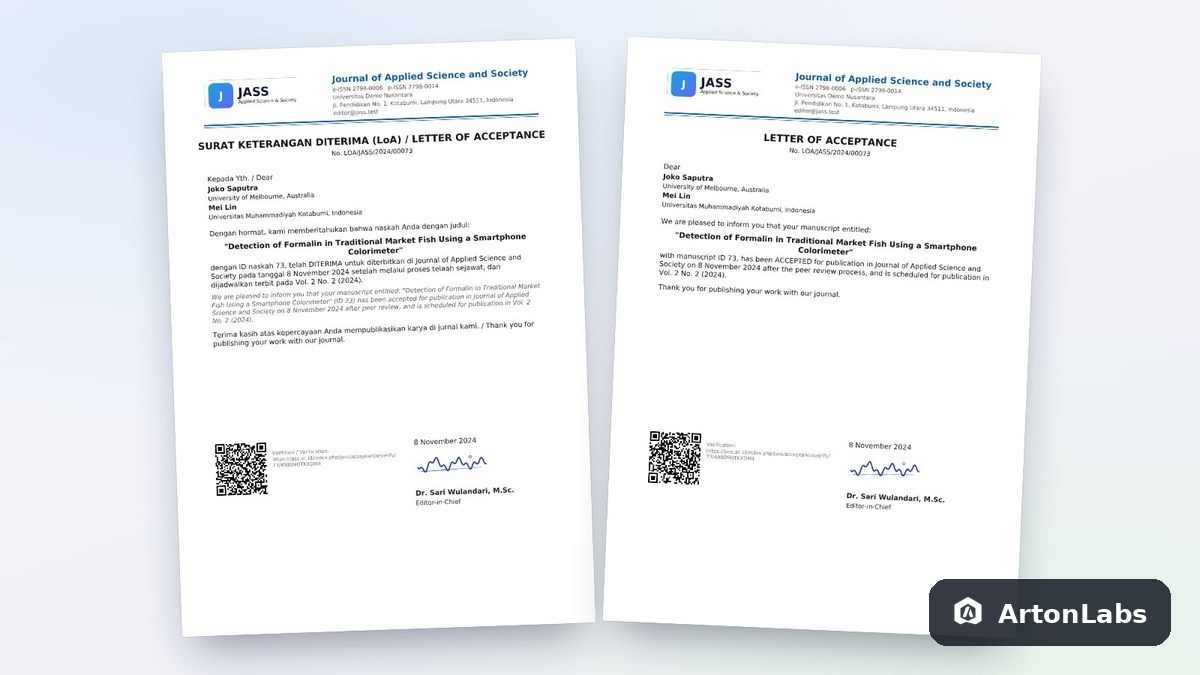
Letter of Acceptance (LoA) – OJS Plugin
Setiap naskah diterima, pengelola jurnal biasanya menyusun Letter of Acceptance (LoA) satu …
View Details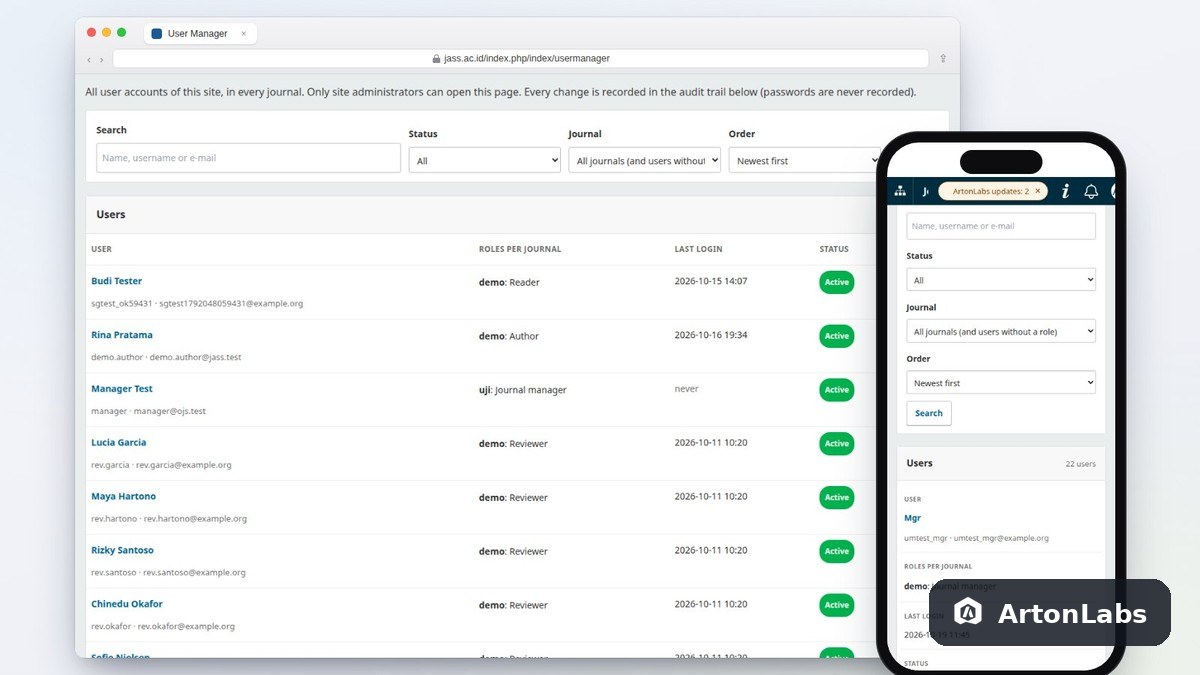
User Manager (ArtonLabs) – OJS Plugin
Di OJS 3.5, menu Users & Roles berubah: tombol Edit kini membuka …
View Details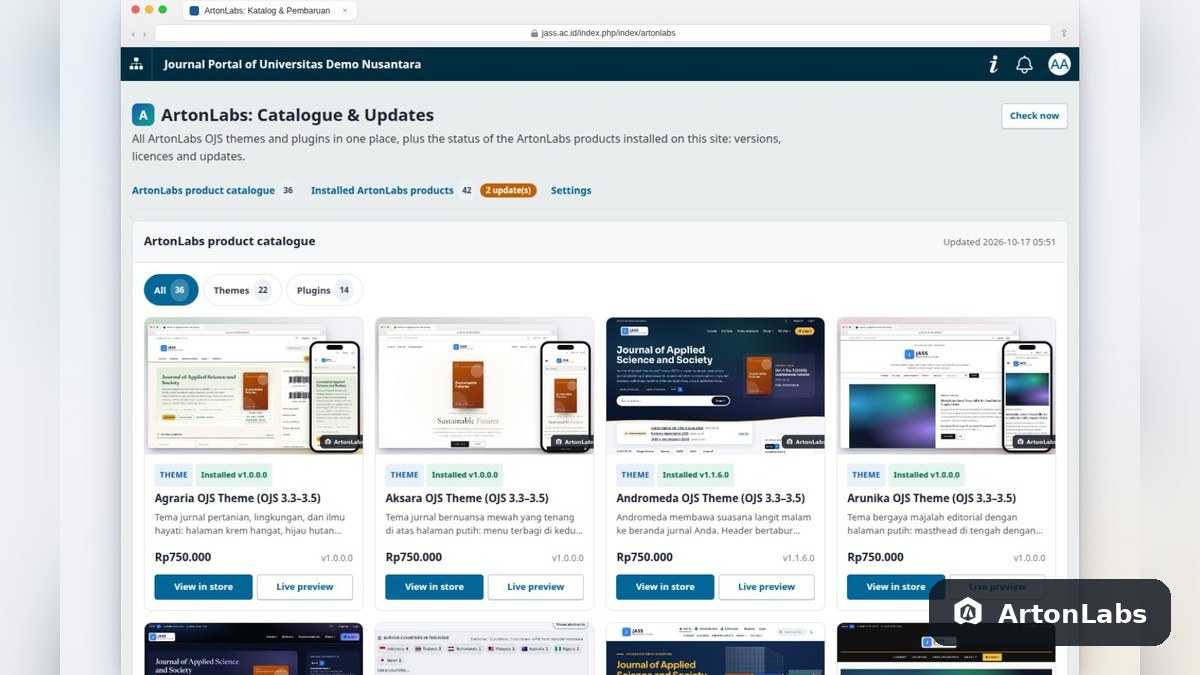
ArtonLabs: Catalogue & Updates – OJS Plugin
Plugin gratis dari ArtonLabs: katalog semua tema dan plugin OJS ArtonLabs (tautan …
View Details
Author Country & Flags – OJS Plugin
Keragaman penulis termasuk yang dinilai saat akreditasi, tetapi merekap asal negara penulis …
View Details