WhatsApp Notification – OJS Plugin
Following year /year* *Estimate; it may vary with usage, such as storage capacity and more.
Prices include tax.
- Easy Installation Upload ZIP from the Open Journal Systems dashboard.
- Integrated Works directly in Open Journal Systems.
- Official License License key and version updates.
- Support Installation support from our team.
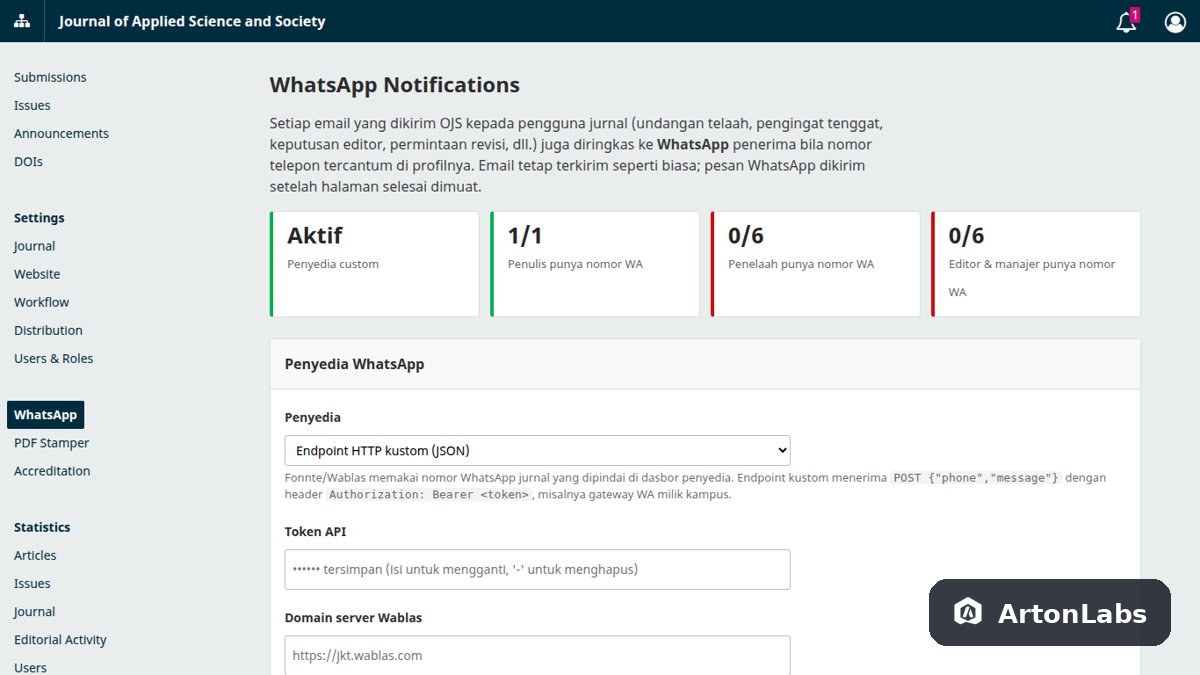
OJS emails often go unread, so review invitations, reminders, and editor decisions get missed. This plugin forwards a summary of every OJS email to the recipient's WhatsApp, without changing the email template and without replacing the email itself.
Highlights
- Every email, also on WhatsApp. Review invitations and reminders, editor decisions, revision requests, and more are forwarded, including reminders from scheduled tasks.
- Email still goes through. Emails are sent as usual. WhatsApp messages are sent after the page finishes loading, so they don't slow down work and can't cancel the email.
- Credentials are never sent. Emails containing passwords or reset and validation links are not forwarded. All links in the email body are replaced with placeholders, and the message only contains a link to the manuscript dashboard.
- Choose recipients and message content. Define recipient roles (authors, reviewers, editors and managers), the length of the email content included, and a note at the end of the message.
- Providers to suit your needs. Fonnte only needs a token, Wablas needs a token and server domain, or a custom HTTP endpoint such as your campus's own WA gateway.
- Coverage dashboard and logs. See how many reviewers or authors have a WA number, send a test message, and check the log of the last 100 messages with numbers masked.
How it works
- The Journal Manager opens the WhatsApp menu, selects a provider, and enters the API token.
- Set the recipient roles and message content, then press Send test message.
- Users enter their phone number in their OJS profile in the format 08xx, +62, or 62.
- Every time OJS sends them an email, the summary also goes to WhatsApp.
Suited for
- Journals whose review invitations often go unanswered.
- Authors and reviewers who respond faster via WhatsApp than email.
- Campuses that already have their own WhatsApp gateway.
What you get
- A ready-to-install ZIP file along with installation instructions.
- A license key for one site, valid for all journals in that OJS installation.
- Version updates and technical support for one year (subject to the Purchase Terms).
Good to know
- The provider account (Fonnte, Wablas, or your own gateway) is set up by the journal. Meta's official WhatsApp Cloud API is not yet directly supported, but can be bridged via a custom endpoint.
- Messages are only sent to users who enter a phone number in their profile. Site-level emails are not forwarded.
- Runs on
- Open Journal Systems 3.3, 3.4 and 3.5
- Package type
- Generic plugin
- Required permissions
- Site administrator
- How to Install
- Upload ZIP via OJS Dashboard › Site Settings › Plugins › Upload A New Plugin.
- Version
- 1.2.0.0
- Plugin class
- WaNotifyPlugin
- Folder name
- waNotify
- Download size
- 81 KB
- Format
- ZIP
- Published
- 2026-11-13
- Updated
- 2026-11-13
Files can be downloaded after payment is confirmed.
You May Also Like
Letter of Acceptance (LoA) – OJS Plugin
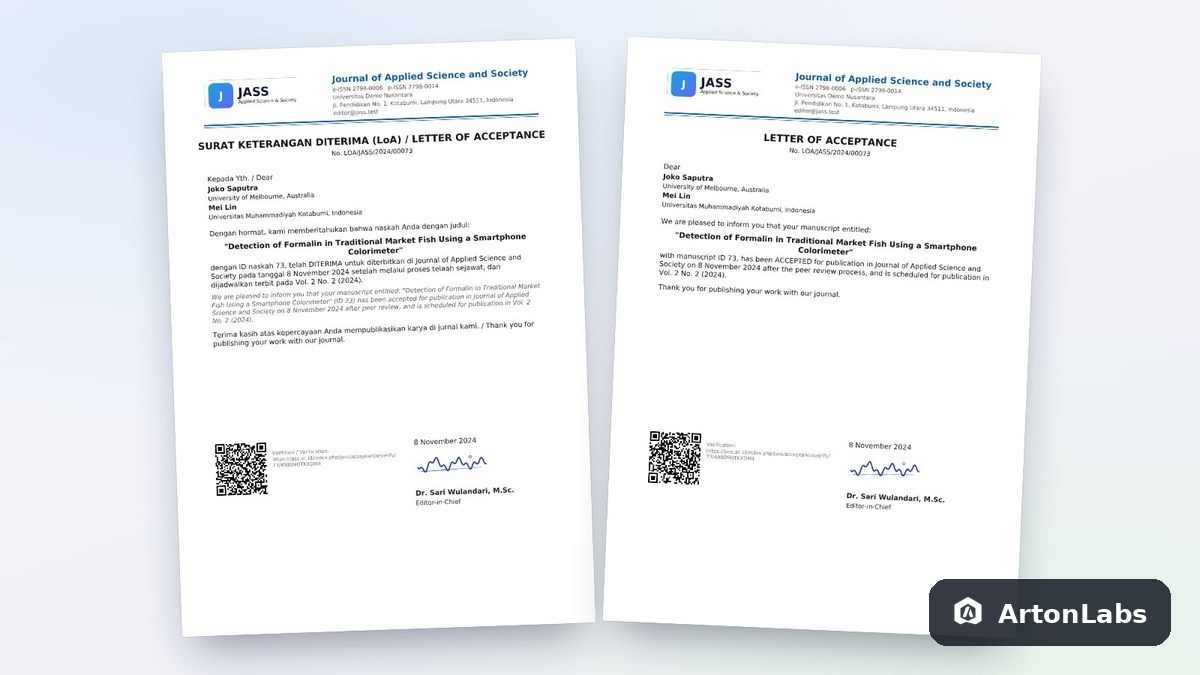
Setiap naskah diterima, pengelola jurnal biasanya menyusun Letter of Acceptance (LoA) satu …
View Details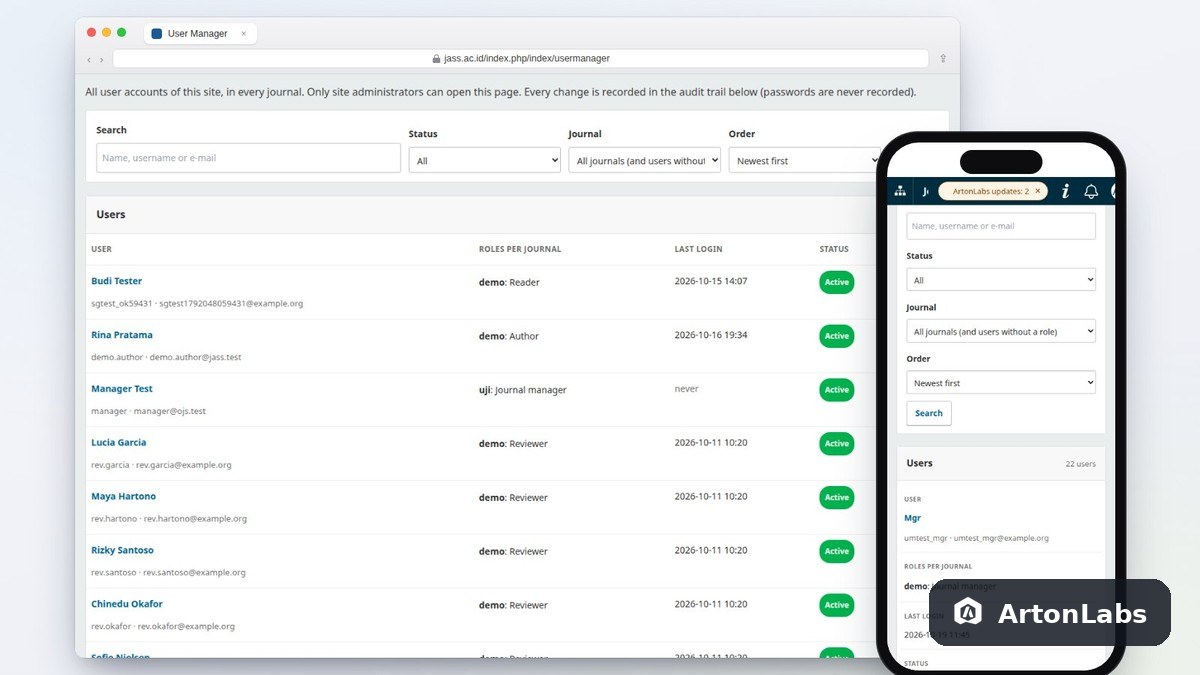
User Manager (ArtonLabs) – OJS Plugin
Di OJS 3.5, menu Users & Roles berubah: tombol Edit kini membuka …
View Details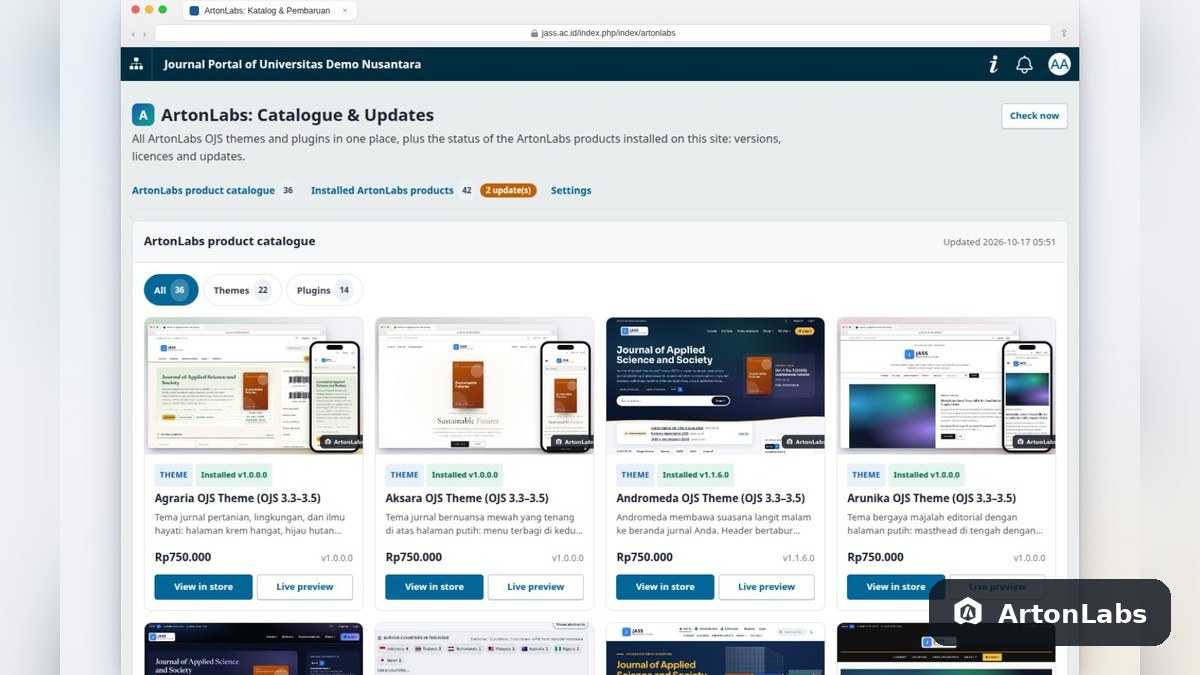
ArtonLabs: Catalogue & Updates – OJS Plugin
Plugin gratis dari ArtonLabs: katalog semua tema dan plugin OJS ArtonLabs (tautan …
View Details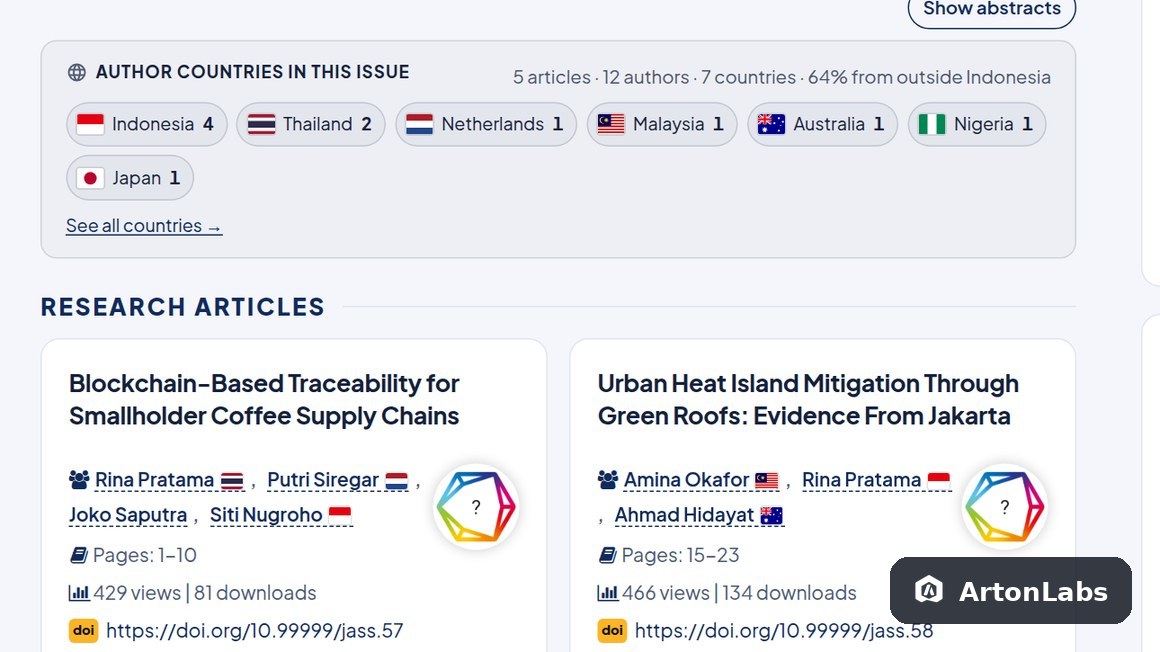
Author Country & Flags – OJS Plugin
Keragaman penulis termasuk yang dinilai saat akreditasi, tetapi merekap asal negara penulis …
View Details