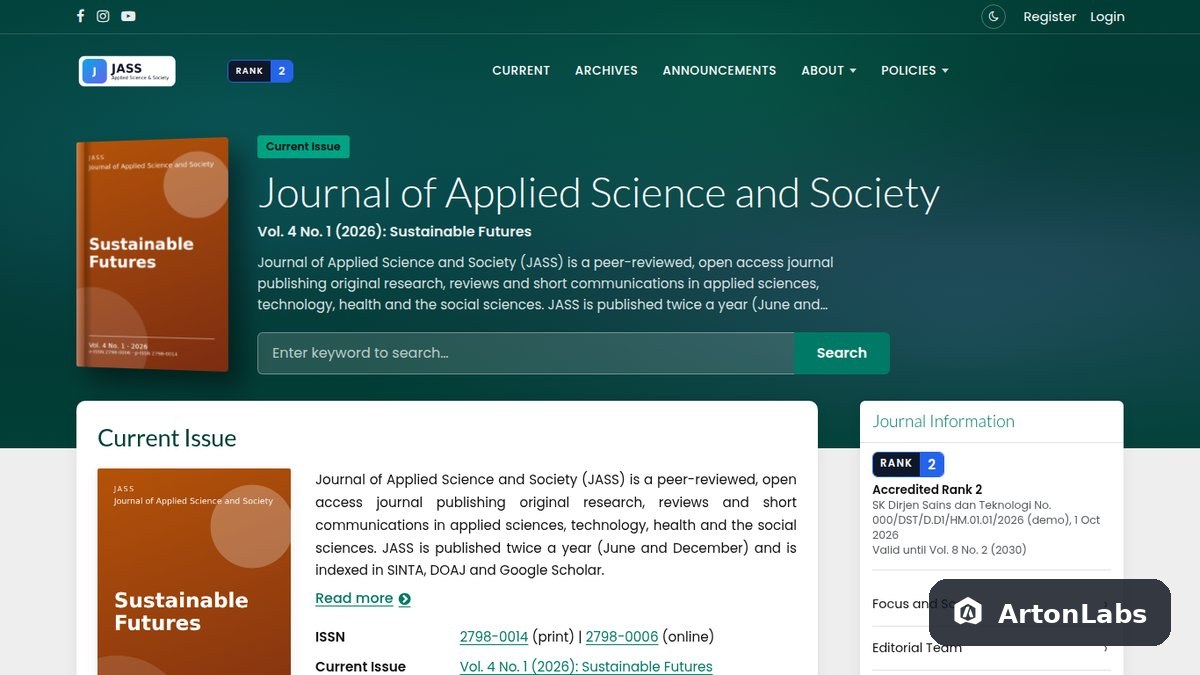
Galaksi OJS Theme (OJS 3.3–3.5)
Following year /year* *Estimate; it may vary with usage, such as storage capacity and more.
Prices include tax.
- Easy Installation Upload ZIP from the Open Journal Systems dashboard.
- Modern Design Responsive across all devices.
- Easy Customization Tailored to your institution's needs.
- Support Installation support from our team.
Galaksi follows the style of Indonesian university journal portals inspired by the "Guardian Galaxy" design. The social media bar, header above the hero image, and latest issue panel with ISSN, DOI, and accreditation tables are already available. The sidebar is packed with collapsible widgets, suitable for journals accustomed to this look.
Highlights
- Latest issue panel. The cover and issue info appear together with ISSN, DOI, and accreditation tables.
- Submit manuscript popup. Authors are invited to submit manuscripts and can immediately download the article template.
- Collapsible sidebar widgets. Journal menu, support, recommended tools, visitor counter, and indexers stay tidy.
- Social media bar. Journal account links appear at the very top.
- Article cards with citation tools. Readers can cite, view statistics, and open citations from the table of contents.
- Galaxy-themed portal. The publisher portal page appears uniform with a choice of color skins.
- Ready-to-use accreditation badges. Display rankings according to the 2026 rules or SINTA 2018, complete with the SINTA icon, decree number, and validity period.
- Publication fee info (author fee). The fee amount, currency, and when it is charged appear as a clear box on the Submissions, About, and author guidelines or fees pages, right where authors look for them. Non-accredited journals automatically show "Free" if you choose so.
- Automatic ISSN barcode. Every print and electronic ISSN in the Journal Information block is equipped with a standard periodical barcode (EAN-13) generated on your own site and linked to the ISSN portal. Can be turned off if not needed.
Customize without code
- Support content. Manage the journal information menu, indexer service logos (shown only if you fill them in, so there are no false indexing claims), social media links, manuscript templates, and visitor counter.
- Templates and popups. Fill in the DOCX manuscript template link and enable the submit manuscript popup.
- Colors and fonts. Choose a ready-to-use color skin or set your own primary, accent, and header colors, then pick a font pairing.
- Accreditation and ISSN. Fill in the rank, SINTA or ARJUNA profile link, decree number, validity period, and online and print ISSN. Journals still applying for an ISSN can set a temporary ISSN: it only appears in the header, homepage, and footer, does not enter Crossref, OAI, or Google Scholar metadata, and disappears automatically once the official ISSN is filled in.
- Layout. Choose the header style, homepage opener, card or list table of contents, and sidebar position on the right, left, or above the footer.
- Publication fees. Set the rate, currency, when it is charged (only accredited journals, always, or never), a short note, bank account info, and payment confirmation link. Static pages simply use the {authorFee} or {authorFeeBox} placeholder, so rate changes do not require editing pages one by one.
Suitable for
- Campus journals in Indonesia accustomed to the Guardian Galaxy style.
- Journals that want to display a lot of information in the sidebar.
- University publisher portals with many journals.
What you get
- A ready-to-install ZIP file along with installation instructions.
- A license key for one site.
- Version updates and technical support for one year (subject to the Purchase Terms).
Good to know
- One folder for OJS 3.3, 3.4, and 3.5. In OJS 3.3 the theme is installed via FTP or file manager.
- Uses the built-in Default theme as a base, so its folder must remain on the server.
- Without a license key all features still work, but the "Website theme developer" block appears above the footer.
- Runs on
- Open Journal Systems 3.3, 3.4 and 3.5
- Package type
- Theme
- Required permissions
- Site administrator
- How to Install
- Upload ZIP via OJS Dashboard › Site Settings › Plugins › Upload A New Plugin.
- Version
- 1.3.1.0
- Plugin class
- GalaksiThemePlugin
- Folder name
- galaksi
- Download size
- 172 KB
- Format
- ZIP
- Published
- 2026-11-13
- Updated
- 2026-11-13
Files can be downloaded after payment is confirmed.
Content in this preview is dummy data for demonstration only; it is reset periodically.
You May Also Like
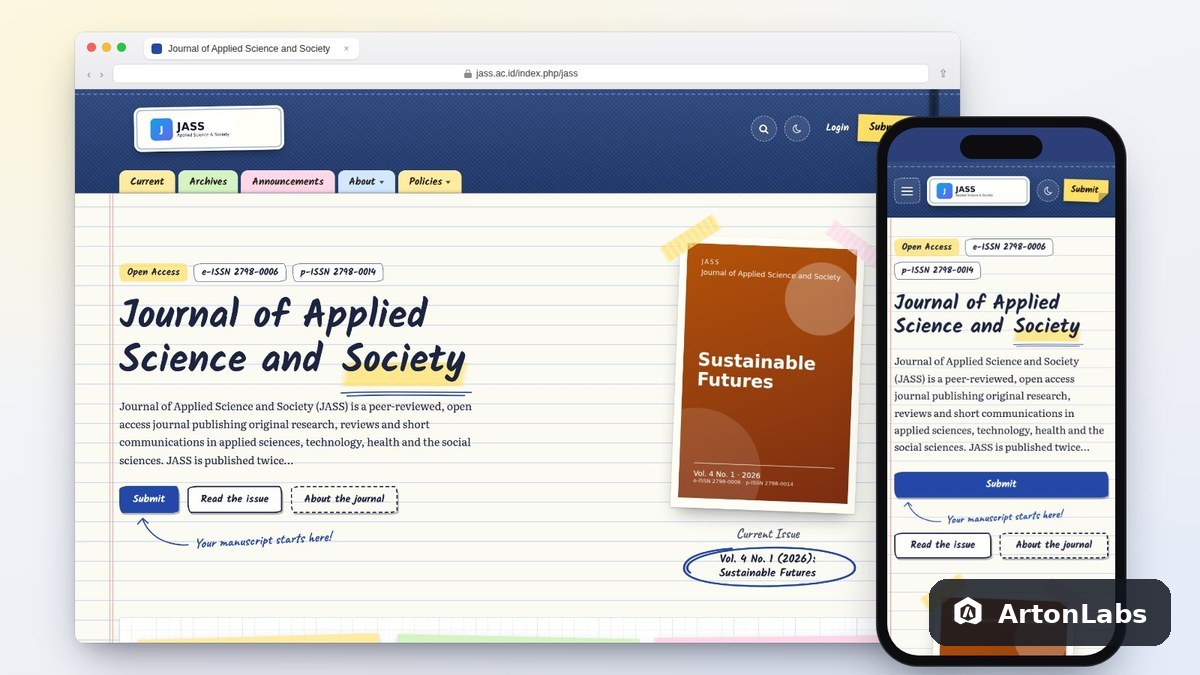
Catatan OJS Theme (OJS 3.3–3.5)
Tema jurnal bernuansa buku catatan laboratorium dan jurnal lapangan seorang peneliti: kertas …
View Details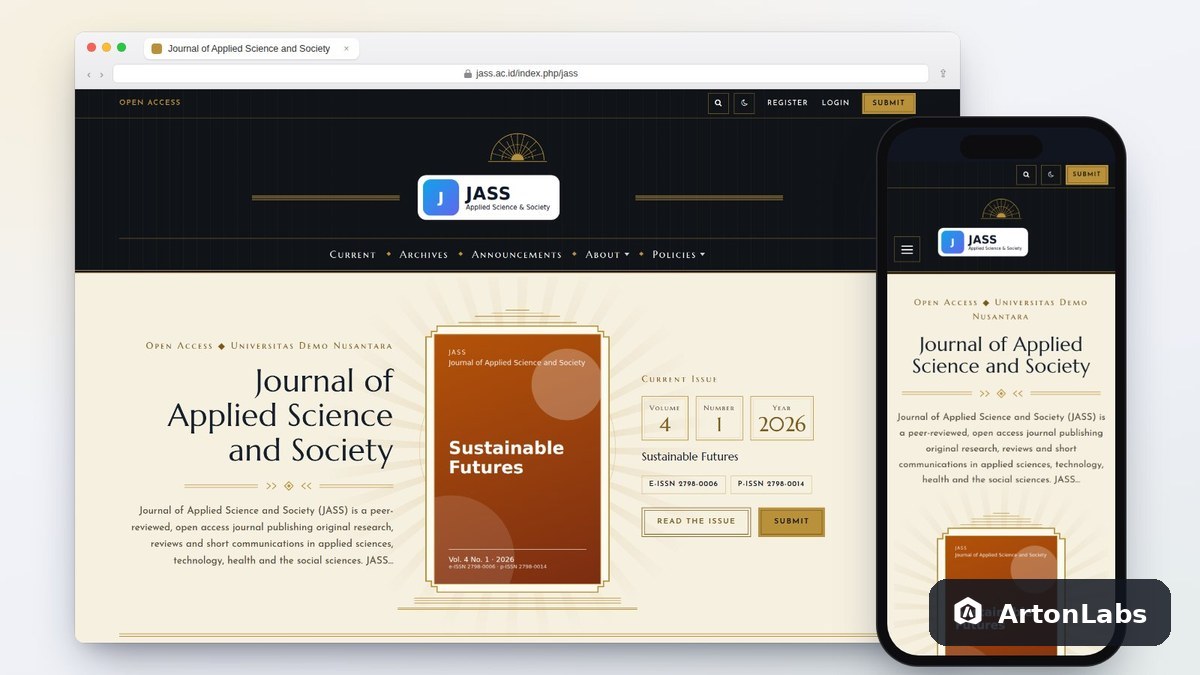
Gemilang OJS Theme (OJS 3.3–3.5)
Tema jurnal Art Deco dengan wibawa fasad tahun 1920-an: halaman gading dengan …
View Details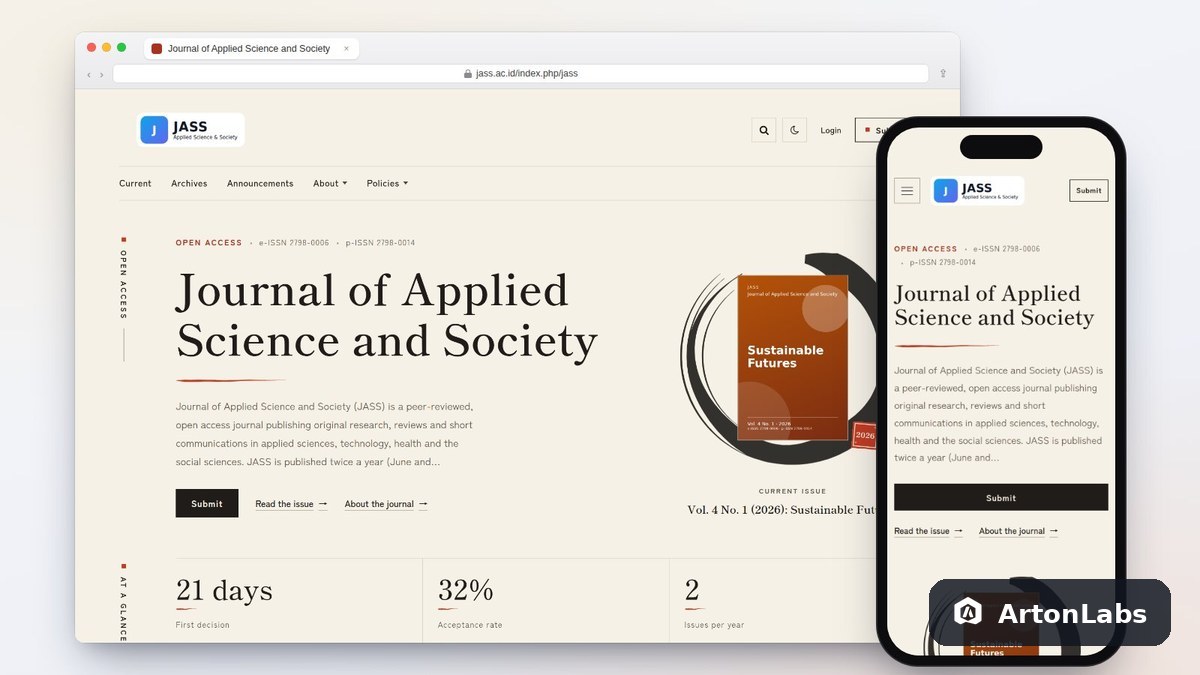
Tinta OJS Theme (OJS 3.3–3.5)
Tema jurnal bernuansa tinta zen yang tenang seperti lukisan tinta Asia Timur: …
View Details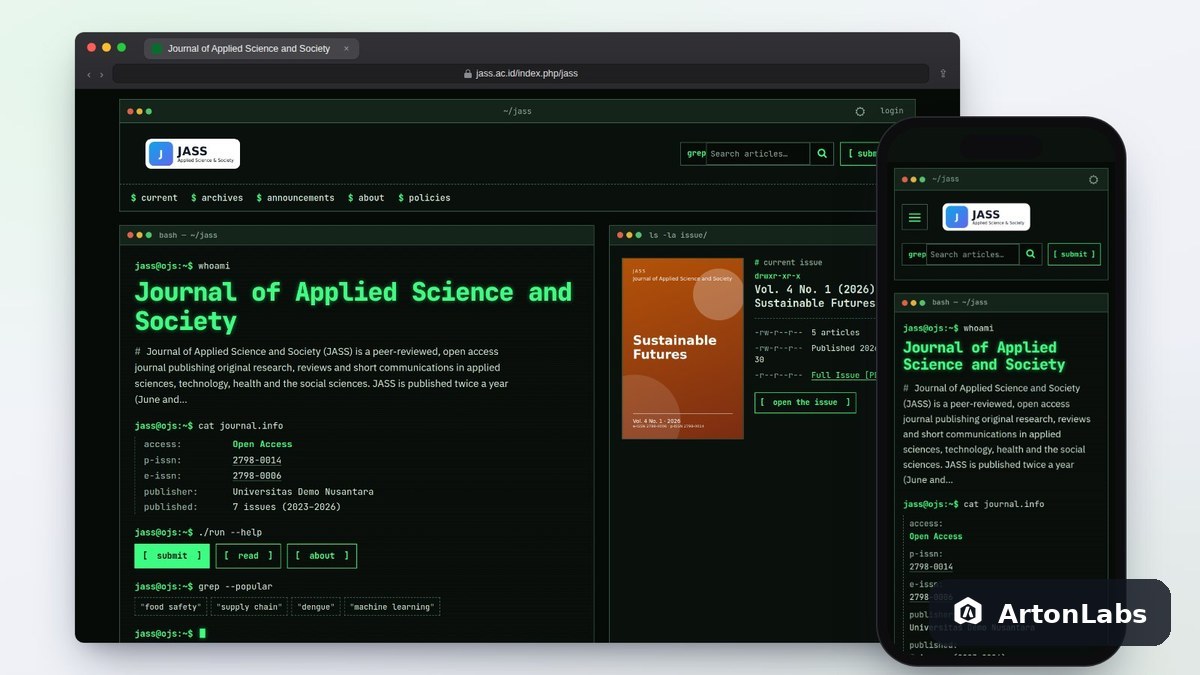
Konsol OJS Theme (OJS 3.3–3.5)
Tema jurnal bergaya terminal pengembang dengan nuansa komputer retro: layar hampir hitam …
View Details